Guides
Used Steelcase Leap Buying Guide: V1 vs V2, and What to Inspect
How to tell the generations apart from listing photos, what both versions already share, and a pre-purchase inspection list
By Leo·Sep 11, 2026·3 min read
The Steelcase Leap is arguably the best value on the US used-chair market: corporations buy them by the thousand and retire them by the hundred, so supply is constant. In the owner reports we index, a 2025-build refurbished Leap V2 went for $200, and another buyer picked one up from a Habitat for Humanity store after a bank relocation. But listings routinely blur two different generations. Here's how to tell them apart and what to check before paying — compiled from refurbisher documentation (sources below, checked September 12, 2026).
An earlier Leap configuration in photographs
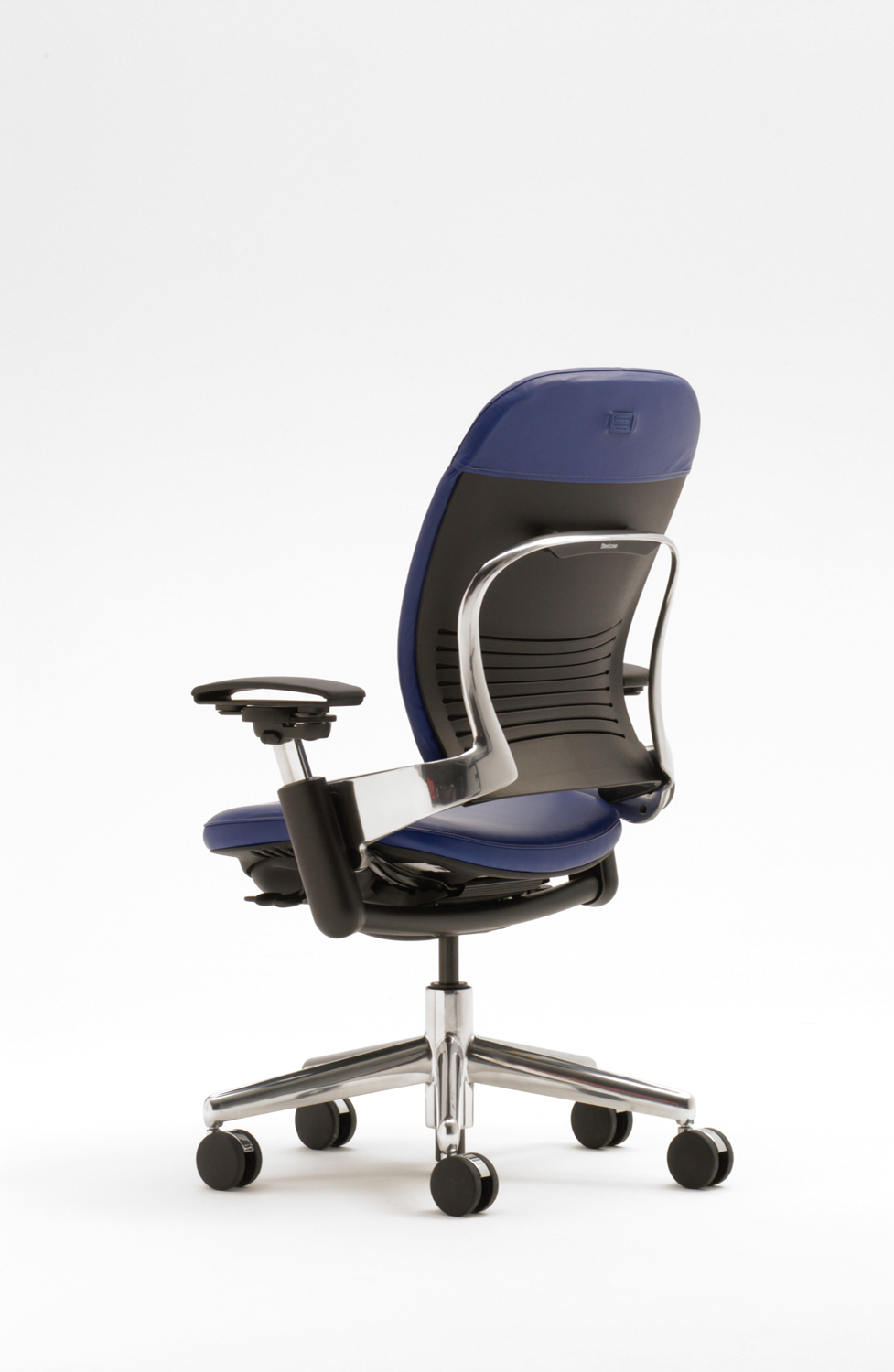
This historical image supplied by Steelcase shows a high back, an aluminum backframe and open arms. It illustrates why a used listing needs an exact model and configuration check. It is not a photograph of the current Leap V2, and appearance alone does not verify a seller's chair.
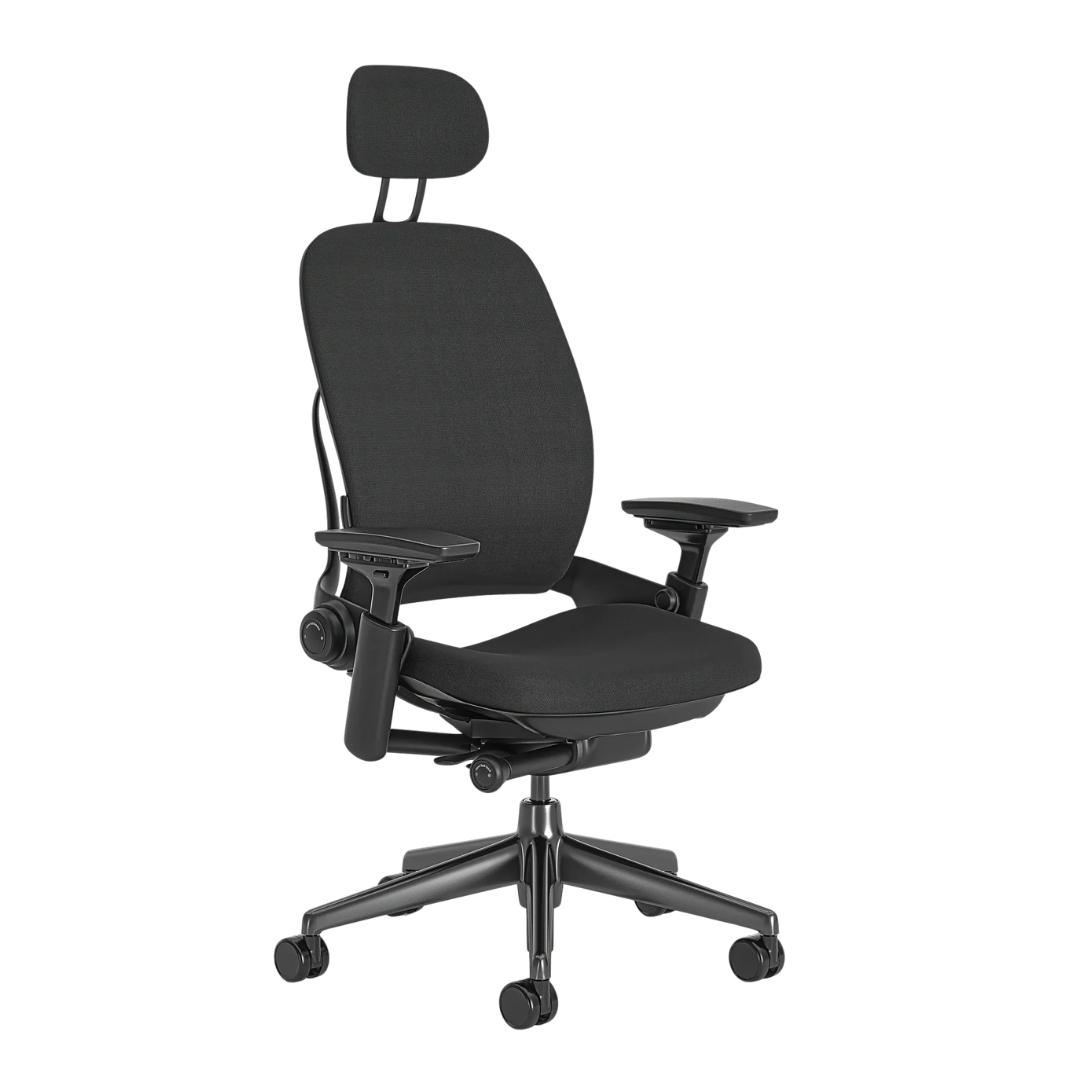
Compare with Steelcase's current Leap controls and adjustment labels.
V1 vs V2: the identification table
If columns extend beyond the screen, scroll sideways to see more.
| Check | Leap V1 (1999–) | Leap V2 (2006–) |
|---|---|---|
| Back shape | Shorter, more flared-out | Taller, covers more of the shoulder blades |
| Armrest posts | Steel vertical posts, very rigid | Plastic posts, more refined, slight flex |
| Arm adjustment | 3-way (height, width, pivot) | 4-way — adds depth |
| Seat/back padding | Noticeably thicker molded foam | Slimmer cut-sheet foam profile |
| Base | Flatter, rounded steel base | Taller, sleeker nylon base |
| Under-seat tag | Both carry a manufacturer tag with model and production date — the fastest definitive check; ask for a photo of it | |
What both generations already have
Don't pay a V2 premium for features the V1 also has. Per refurbisher documentation, the V1's standard equipment already includes fully adjustable arms, LiveBack, lower-back firmness control, and a seat-depth slider (adjustable lumbar was an option). The V2's real gains are the taller back, 4-way arms with depth, the slimmer modern look — and, in practice, younger foam: many V1s are now 20+ years old, and the thick pads they're known for have often compressed flat. Both generations are rated around a 400 lb capacity per the comparison sources below; confirm against Steelcase's current page if that spec matters to you.
Inspection list for any used Leap
- Cylinder: raise it fully, sit, and watch for slow sinking.
- LiveBack & recline: cycle the tension knob and lock positions; the back should move smoothly and hold.
- Foam: press the seat front edge — on old V1s especially, check whether you can feel the pan through the foam.
- Arms: wiggle for play; V2 plastic posts tolerate some flex, but loose, clunking arms mean worn parts.
- Seat slider and lumbar: confirm they move and hold position.
- Tag photo: model + production year sets the fair price better than the seller's title does.
One more data point from our index: refurbished Leaps in Europe sell around €700 with a 5-year refurbisher warranty — a useful reminder that refurbisher warranties vary enormously (from none to 12 years). What "refurbished" itself means varies too; we break down the terms in refurbished vs remanufactured vs open-box vs used. Before buying anything, this owner-made "5 things to consider" video from our index is a fair counterweight to Leap enthusiasm.
Deep-dive on the chair itself: our Leap V2 guide. Buying new instead? Steelcase's direct store offers genuinely free 30-day returns in the lower 48 — details in the returns comparison. Cross-shopping the used premium market? See the Aeron generation check.
Sources
Checked September 12, 2026:
- BTOD — Steelcase Leap V1 vs V2: 7 major differences (years, back, arms, padding, base, capacity)
- Crandall Office — V1 Leap vs V1 Highback vs V2 Leap (V1 standard features, foam construction)
- Owner reports linked inline are from our review index and lead to their original posts.
This is a research-based guide; we have not disassembled the two generations ourselves. Used-market prices quoted are single data points, not market rates.
Budget alternative
Affiliate links: we may earn a commission from qualifying purchases.
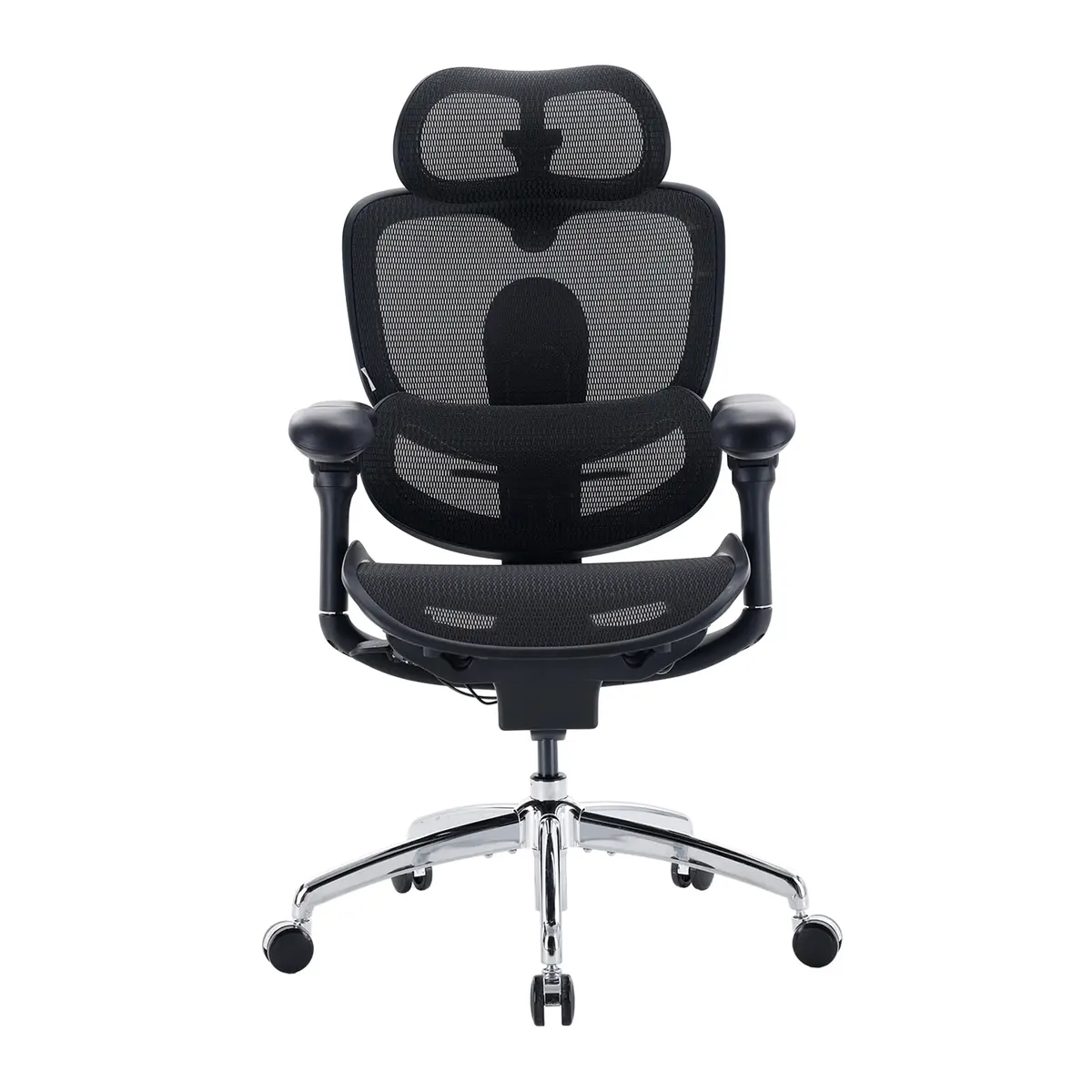 SIHOO Doro C300 Pro V2
Mesh back instead of the Leap's upholstered back, with similar lumbar and seat-depth adjustment, at about a third of the list price ($499.99 vs $1,499).
Specs and details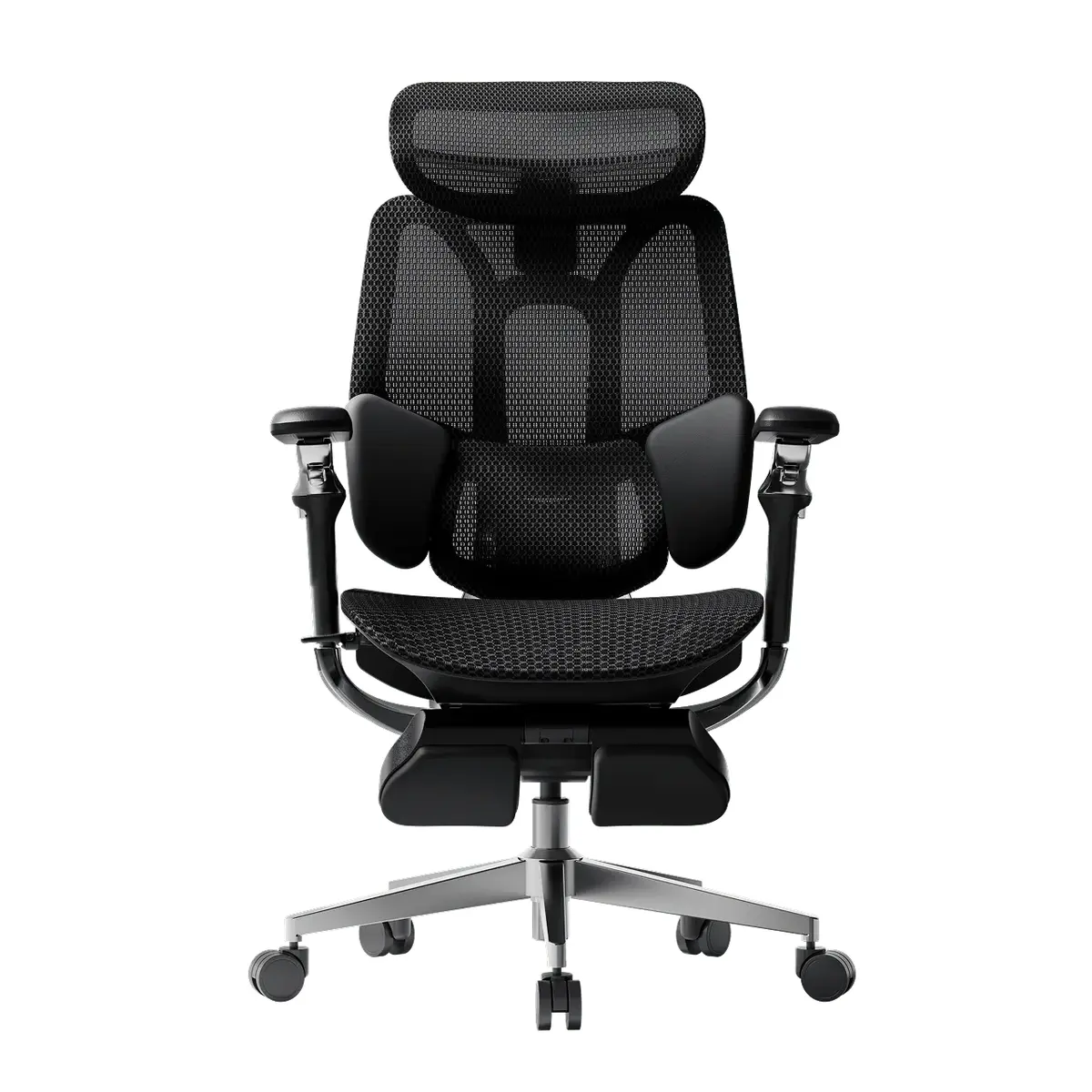 HBADA E3 Pro (2026 Edition)
Mesh back instead of the Leap's upholstered back, with a height-adjustable lumbar and 5 cm of seat-depth travel, at under half the list price ($659 vs $1,499).
Specs and details
Compare Leap V2 buying options
Confirm the generation, arms and condition from photos of the actual chair before comparing sellers and return terms.
As an Amazon Associate, Chairpedia earns from qualifying purchases.
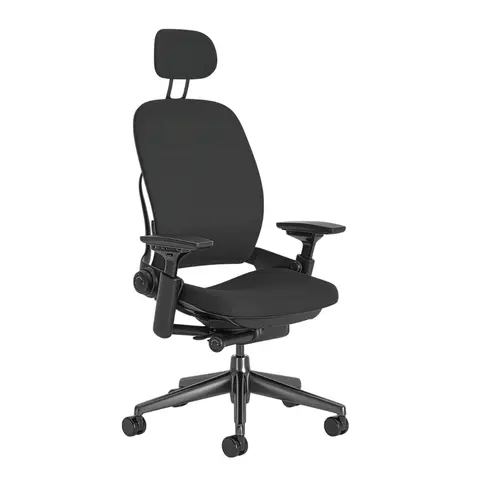
Steelcase Leap V2
Before choosing this chair
Compare the version, condition and included adjustments.
- Confirm V2 rather than relying on the word Leap.
- For a used or refurbished chair, ask which parts were replaced.
Check the current offer
Affiliate link — we may earn a commission
Check the selected model, seller, delivery and return terms on the destination.