Steelcase Leap vs Gesture: Controls and Adjustment Comparison
Compare the documented seat, back, recline and arm controls of the Steelcase Leap and Gesture.
11.3 lb
lighter: Steelcase Leap V2 weighs less than Steelcase Gesture (official specs)
Differences at a glance
Sources
- Understanding and Specifying Leap 462 Series Work Chairs – Seating Specification Guide, February 2024 (PDF) ↗Checked Sep 26, 2026
- Steelcase Seating Specification Guide, April 2021 (PDF) ↗Checked Sep 26, 2026
- Leap Ergonomic Office Chair (steelcase.com) ↗Checked Sep 26, 2026
- Gesture Ergonomic Office & Desk Chair (steelcase.com) ↗Checked Sep 26, 2026
- Gesture – Steelcase Store (US) ↗Checked Sep 26, 2026
- US Steelcase Store (price) ↗Checked Sep 25, 2026
- Price
- $1,499 – $2,667$1,599 – $2,560
- Seat height
- 15.5–20.5 in standard; 17–24 in with optional 7 in cylinder16–21 in
- Seat depth
- 15.75–18.75 in (functional, 3 in adjustment); seat depth 19 in15.75–18.5 in (functional, 2.75 in adjustment); seat depth 18.25 in
- Load capacity
- 400 lb (181.4 kg)400 lb (181.4 kg)
- Recline
- Variable back stop, five stops; seat-to-back angle 96°–120°Seat-to-back angle 98°–125°
- Arms
- Arm height 4 in range, depth 3 in, width 4.5 in overall, pivot 30°Width 10.25–22.5 in between arms; height 7.25–11.5 in; pivot 15° in/out; depth 2.125 in
- Headrest
- Optional (+$340 list; not on stools or Leap Plus)Optional (integrated headrest)
- Lumbar support
- LiveBack with height-adjustable lumbar (5 in) + lower back firmnessCore Equalizer, with optional additional (height-adjustable) lumbar
- Warranty
- Steelcase Limited Lifetime warranty – 12 years, multi-shift, 24/7 parts and laborSteelcase Limited Lifetime warranty – 12 years, multi-shift, 24/7 parts and labor
What users mention
From 366 Steelcase Leap V2 and 117 Steelcase Gesture user reviews, most mentioned first. Green is liked, orange is a caution.
Comfort
Steelcase Leap V2138 mentionsSteelcase Gesture87 mentionsPrice and value
Steelcase Leap V2129 mentionsSteelcase Gesture44 mentionsAdjustability
Steelcase Leap V2116 mentionsSteelcase Gesture47 mentionsBuild quality
Steelcase Leap V2108 mentionsSteelcase Gesture40 mentionsSeat
Steelcase Leap V290 mentionsSteelcase Gesture43 mentionsBack support
Steelcase Leap V275 mentionsSteelcase Gesture33 mentions
Questions
Which is cheaper, the Steelcase Leap V2 or the Steelcase Gesture?
The Steelcase Leap V2 is cheaper to start: $1,499 versus $1,599 for the Steelcase Gesture at the brand stores (Sep 2026).
Which has a higher weight capacity?
Neither. Both are rated for 400 lb in their official specifications.
Which has a headrest?
Both: the Steelcase Leap V2 as an option and the Steelcase Gesture as an option.
What do owners mention most?
Comfort for the Steelcase Leap V2, and comfort for the Steelcase Gesture, based on review summaries.
As an Amazon Associate I earn from qualifying purchases. Search links may include other models or accessories; confirm the exact item, seller and condition before buying.
Compare the version, condition and included adjustments.
Identify and inspect a used Leap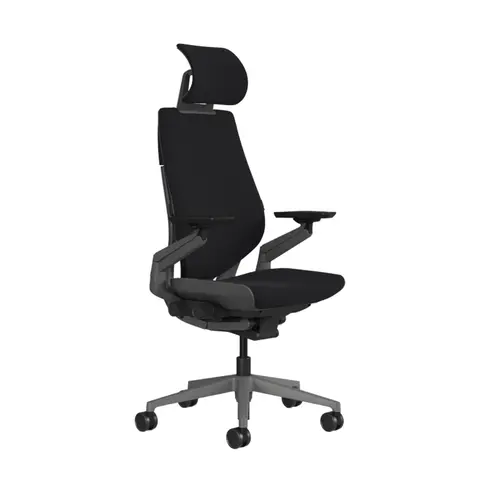
Check the arm setup and desk clearance before choosing.
Read the Gesture fit and adjustment guideRead the full comparison
Key differences
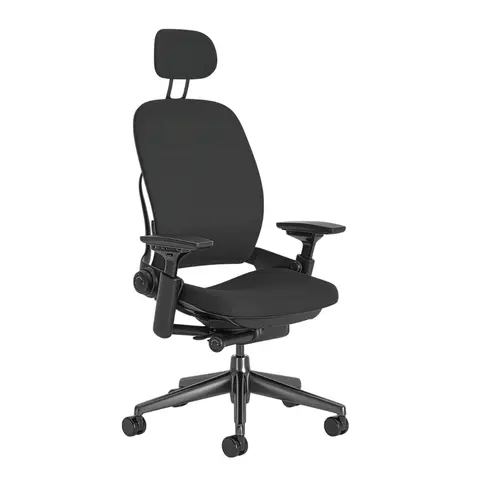
Image shows a headrest-equipped configuration; the headrest is optional on eligible work-chair models.
Steelcase Leap
Current Leap 462 Series work chair in the linked specification guide. North American specification guide; options can vary by market.
Image shows a headrest-equipped configuration; Steelcase lists the integrated headrest as optional.
Steelcase Gesture
Current Gesture office chair. Global product page; availability and options can vary by market.
Differences at a glance
Option-dependent features are marked "Selected configurations."
Fit approach
Seat adjustment
Back adjustment
Recline controls
Arm options
Headrest
Before you choose
If both seats adjust, what separates the trial?
After setting seat depth on both chairs, move to arm placement. Compare Leap's documented height, width, depth and pivot movements with Gesture's 360 arms at the keyboard and mouse positions you actually use. The feature names alone do not show whether an arm clears your desk.[1][2]
Which back controls should you isolate?
Try Leap's lower-back firmness and back stop separately. On Gesture, identify the tension and back-stop controls before reclining. Ask whether the displayed lumbar component is included in the offered configuration; do not equate the two chairs' support systems merely because both recline.[1][2]
Are the pictured headrests included?
Both retained images show configurations that require checking. Ask the seller to name the headrest and lumbar options on the actual order and confirm the model identifier. Compare the chairs without treating a pictured accessory as a universal specification.[1][2]
Store or seller checklist
Ask for a short arm-motion demonstration on each chair and a written list of included headrest/lumbar options, not just two front-view photographs.
- Leap's LiveBack response through your normal sitting positions
- Gesture's 360 arms at your keyboard, mouse and mobile-device positions
- The usable seat-depth range on both chairs
- Whether the exact Gesture includes the optional lumbar support or headrest you expect
Official manufacturer sources
Each source below supports the numbered statements used in this comparison.
- 1Leap specification guide
Steelcase Leap
Official specification guide
Steelcase · Source record Sep 24, 2026
Leap 462 Series work-chair LiveBack, adjustable seat depth, lumbar and arm configurations, variable back stop and optional headrest.
- 2Gesture office chair product page
Steelcase Gesture
Official product page
Steelcase · Source record Sep 24, 2026
Seat controls, 360 arms, back-stop control, and optional headrest and lumbar support.
Next steps
Budget alternative
Affiliate links: we may earn a commission from qualifying purchases.
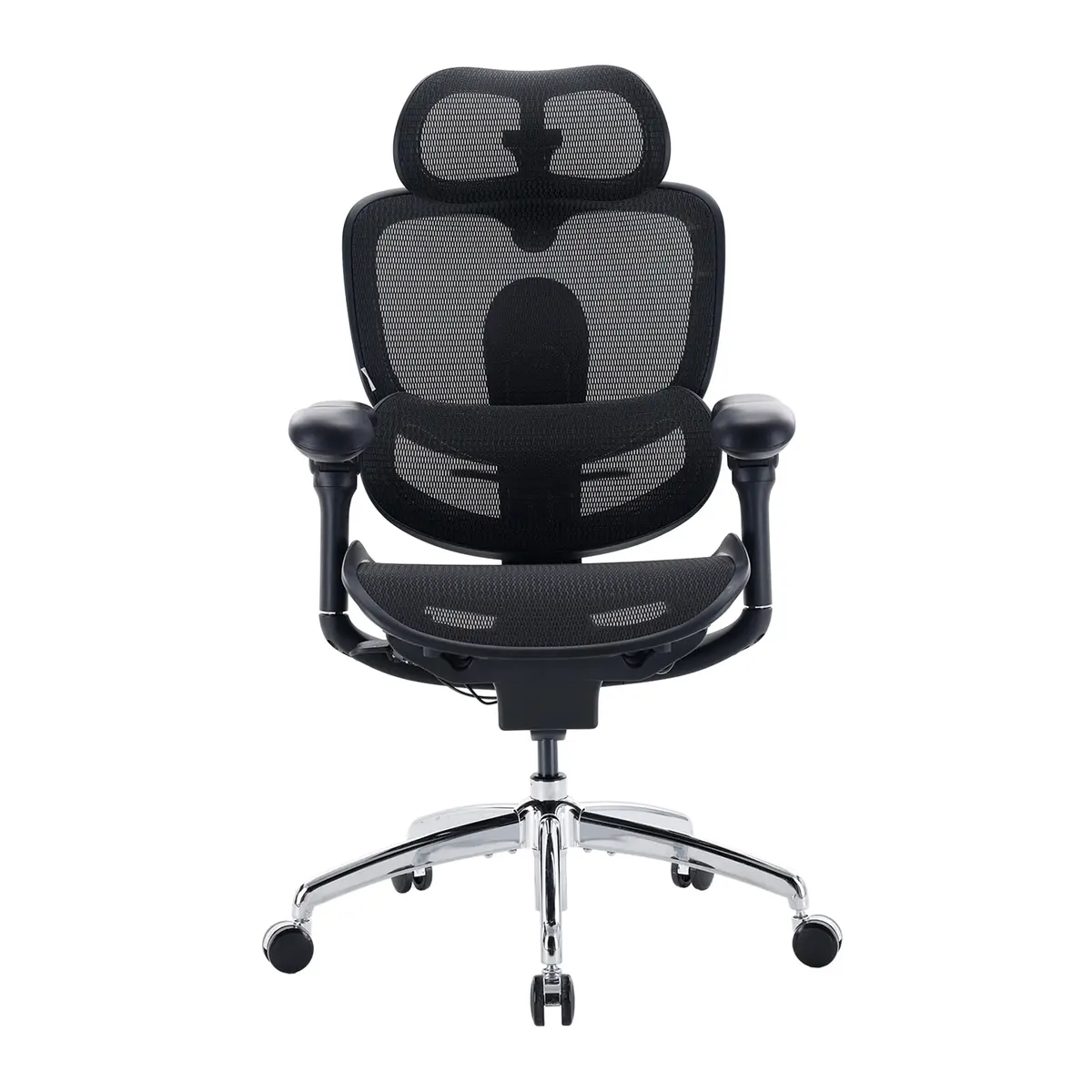 SIHOO Doro C300 Pro V2
Mesh back instead of the Leap's upholstered back, with similar lumbar and seat-depth adjustment, at about a third of the list price ($499.99 vs $1,499).
Specs and details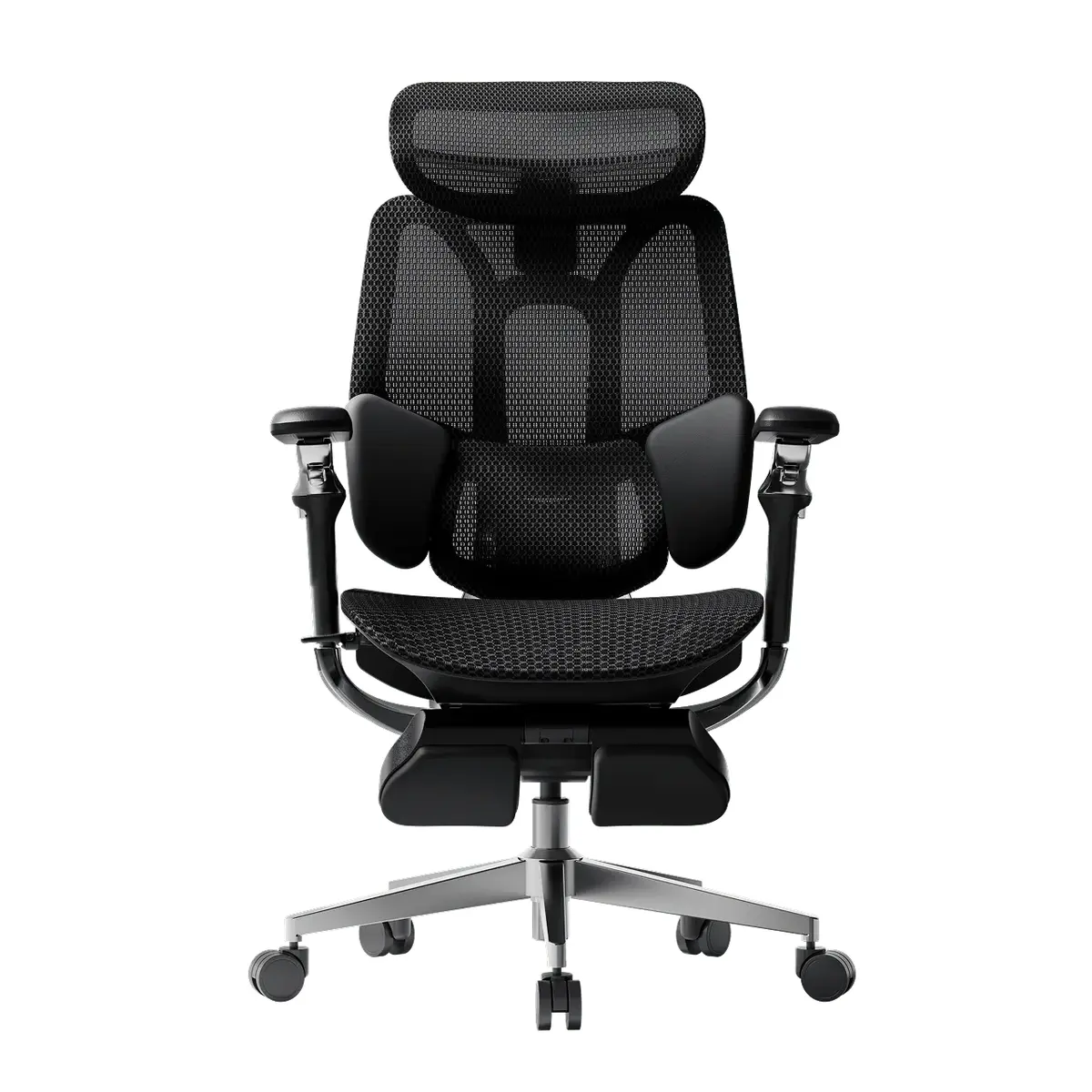 HBADA E3 Pro (2026 Edition)
Mesh back instead of the Leap's upholstered back, with a height-adjustable lumbar and 5 cm of seat-depth travel, at under half the list price ($659 vs $1,499).
Specs and details
Affiliate links: we may earn a commission from qualifying purchases. Check current delivery, return and warranty terms on Amazon.
Swap in a similar chair
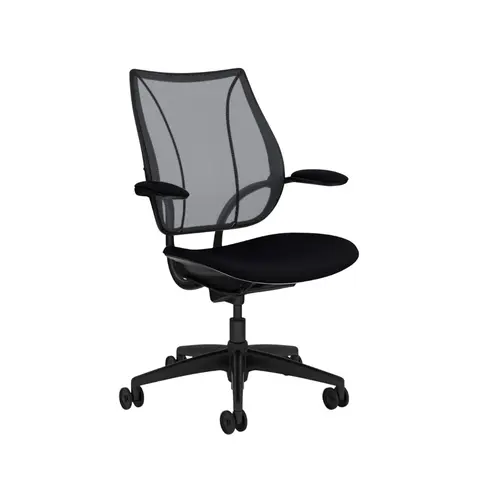
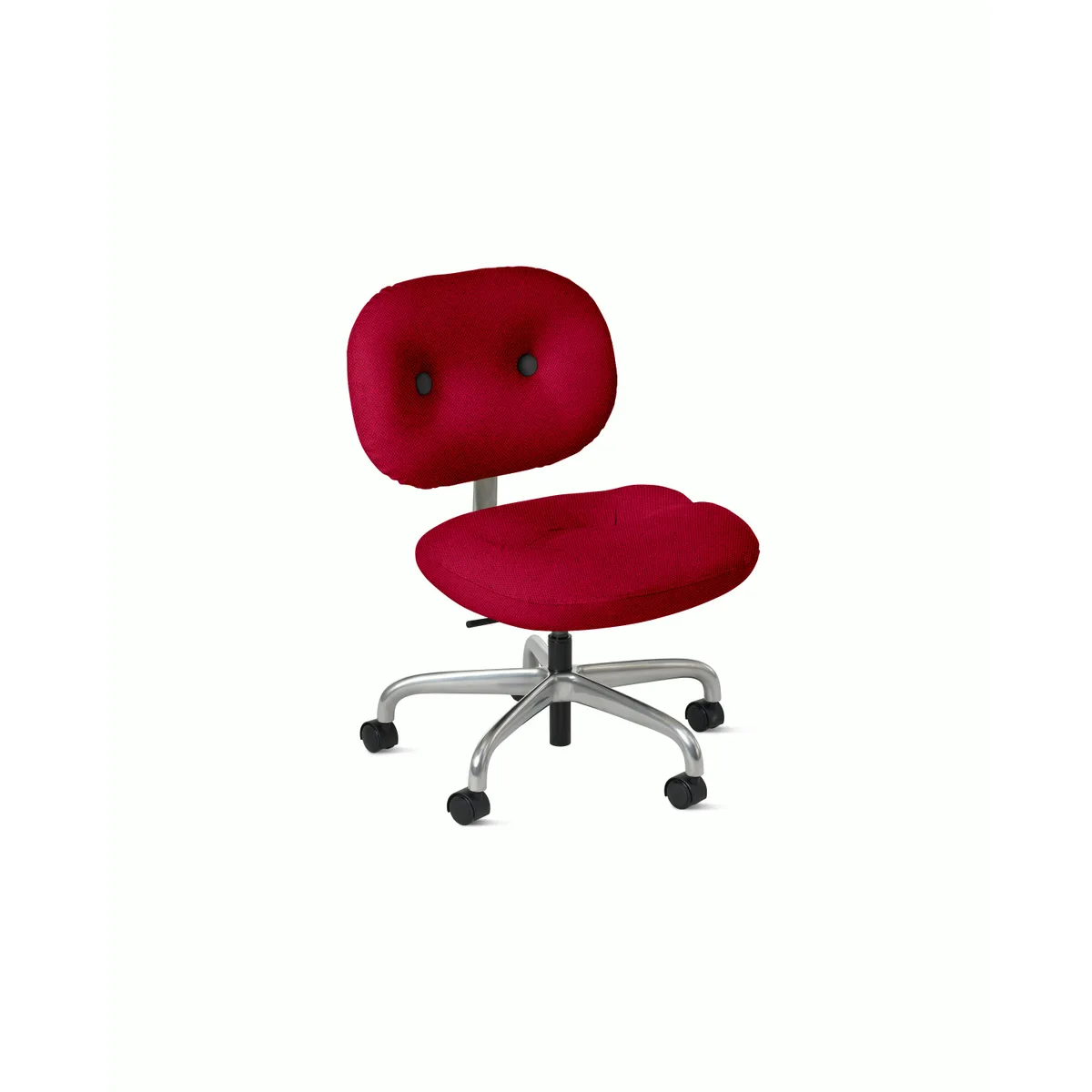
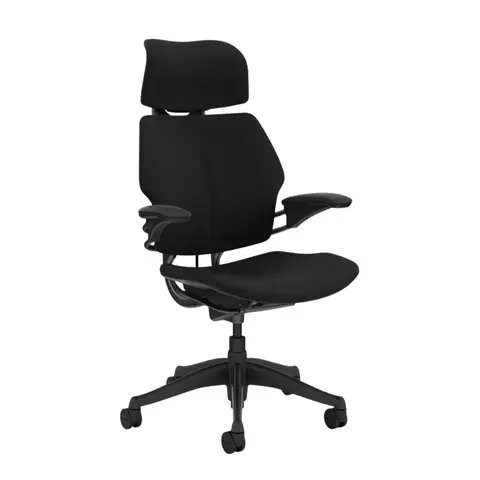
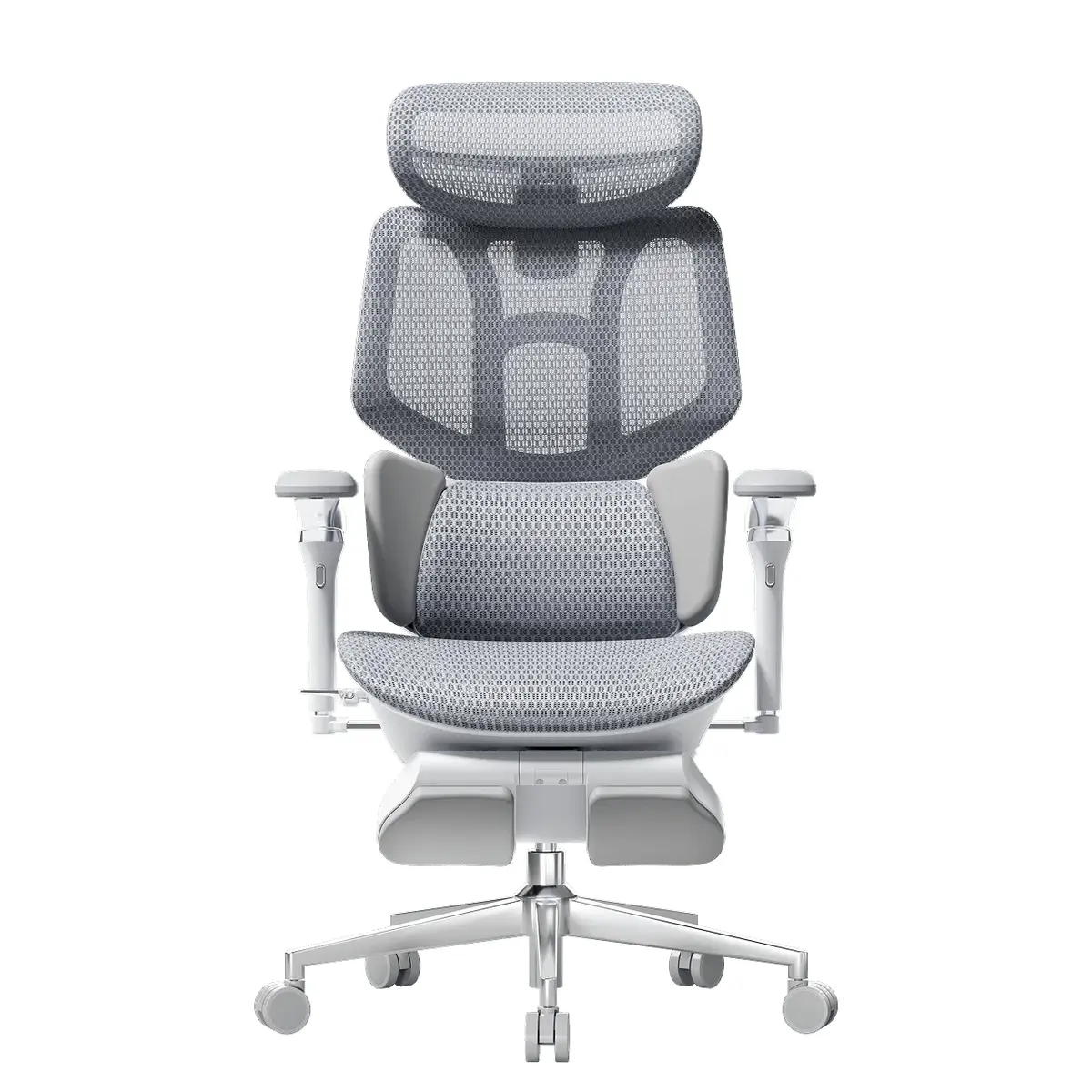
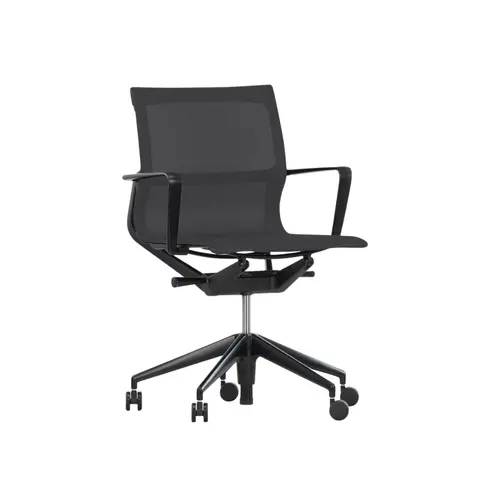
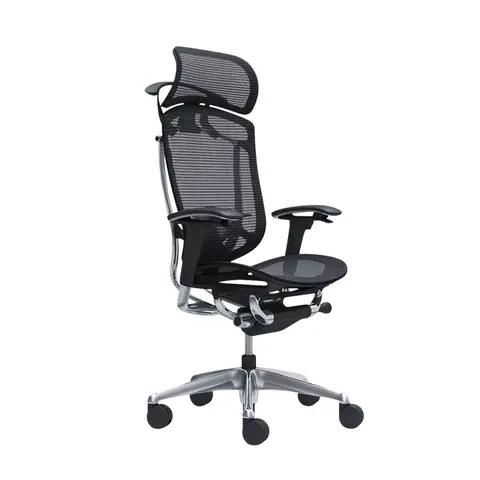
Compare Steelcase Leap V2 with
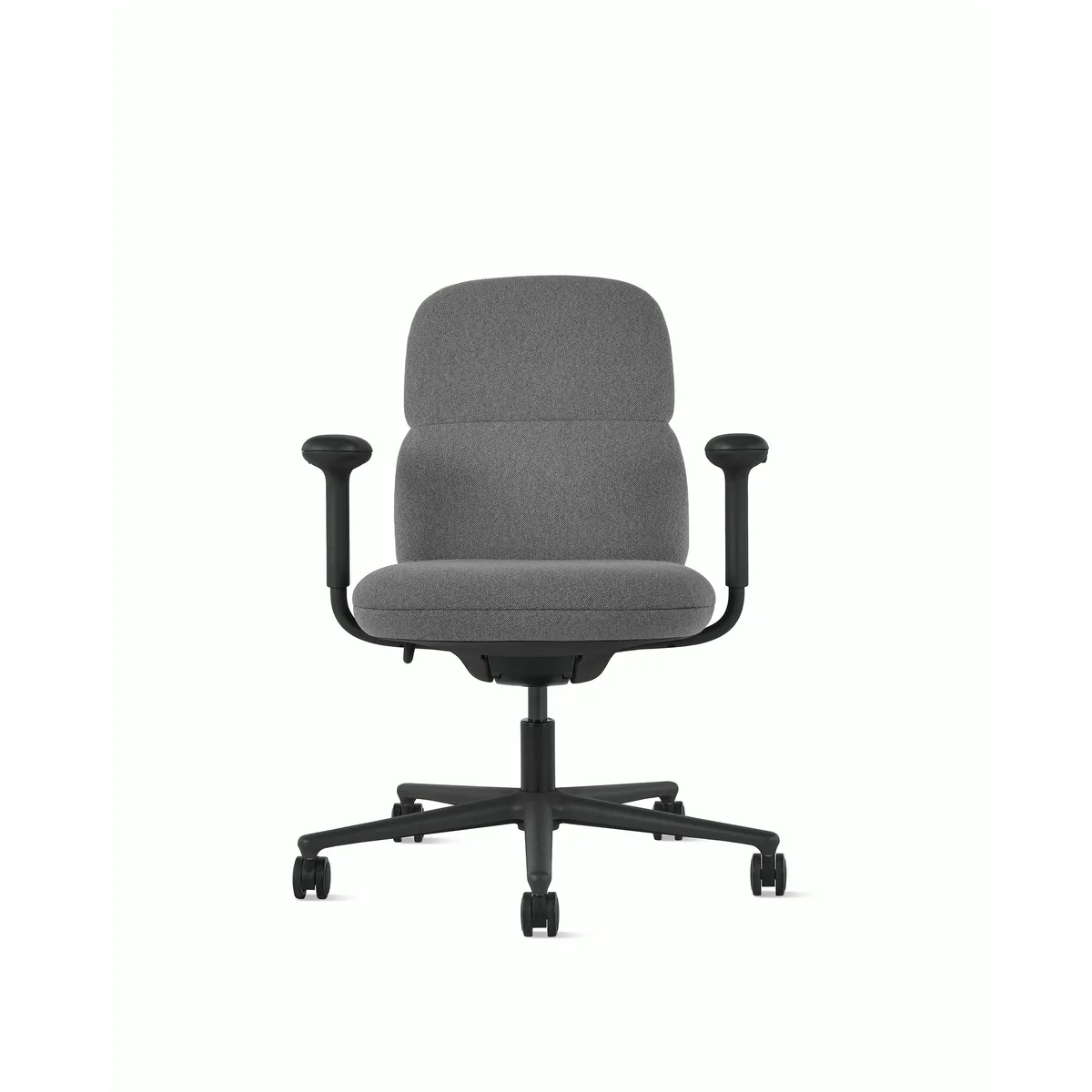
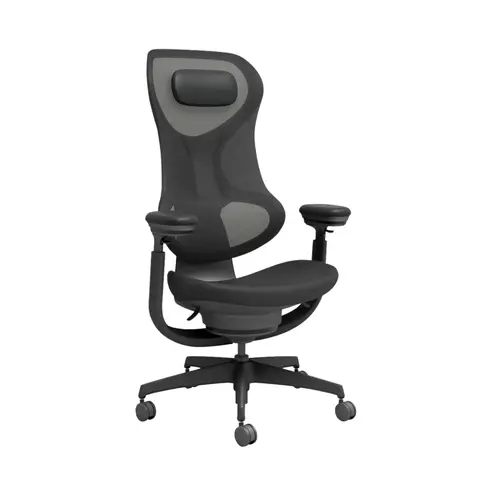
Compare Steelcase Gesture with
More comparisons
- Steelcase Leap V2 vs Herman Miller Sayl Load capacity: 400 lb on Steelcase Leap V2; 350 lb on Herman Miller Sayl.
- Steelcase Leap V2 vs Humanscale World One Load capacity: 400 lb on Steelcase Leap V2; 100–400 lb on Humanscale World One.
- Steelcase Leap V2 vs SIHOO Doro C300 Headrest: Optional on Steelcase Leap V2; 3D Mechanical Headrest on SIHOO Doro C300.
- Steelcase Leap V2 vs SIHOO Doro C300 Pro V2 Load capacity: 400 lb on Steelcase Leap V2; 330 lb on SIHOO Doro C300 Pro V2.
- Steelcase Gesture vs Sidiz T80 Headrest: Optional on Steelcase Gesture; Headrest height / angle adjustment on Sidiz T80.
- Steelcase Gesture vs Herman Miller Sayl Load capacity: 400 lb on Steelcase Gesture; 350 lb on Herman Miller Sayl.