Steelcase Leap vs Gesture: Controls, Arms and Fit Compared
Compare Leap and Gesture using documented lumbar, recline and arm controls, then test seat depth and desk clearance before choosing a listing.
By Leo·Jul 17, 2026· Updated Sep 27, 2026·2 min read
Compare the controls you will use during a normal workday, then test both chairs at the same desk position. Neither a longer feature list nor an armrest marketing name establishes which chair will fit you better.
Key differences
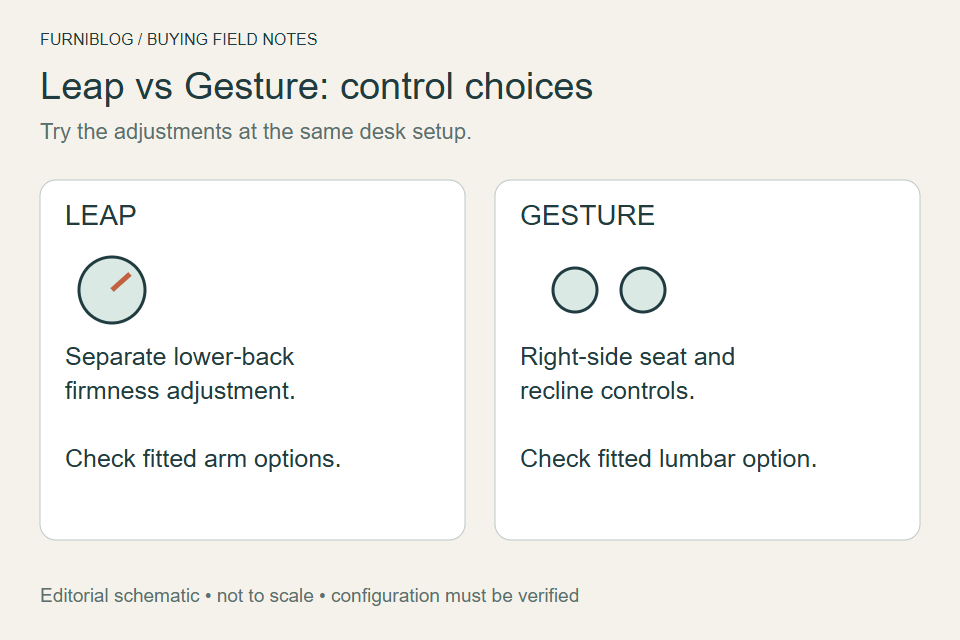
If columns extend beyond the screen, scroll sideways to see more.
| Purchase check | Leap | Gesture |
|---|---|---|
| Lower-back control | Height-adjustable lumbar and a separate firmness dial are described by Steelcase. | Core Equalizer provides linked support; additional adjustable lumbar is an option. |
| Arms | Fully adjustable version changes height, width, depth and pivot. | Articulated arms are designed for varied device positions; confirm the actual arm option. |
| Seat adjustment | Verify the seat-depth control on the offered configuration. | The front right control changes seat height and depth. |
| Recline stops | Full recline, four angle stops and an upright lock. | Full recline, three angle stops and an upright lock. |
These are manufacturer descriptions, not our measurements. “360 arms” describes Gesture's articulated range of movement; it is not an instruction to spin an arm pad through a full circle. Do not force either chair's controls.
A repeatable comparison at the desk
- Set both chairs to a working height where your feet are supported.
- Move the seat-depth adjustment and check that you can sit back without the front edge pressing into your legs.
- Type and use the mouse. Check whether the arms reach your preferred position without colliding with the desk.
- Recline, return upright, then try the back-support controls. Record which setting you actually prefer.
Which deserves a closer look?
Prioritize a Leap trial if a separate lower-back firmness control is central to your shortlist. Prioritize a Gesture trial if you frequently move between keyboard, tablet and phone positions and want to evaluate its arms. Either recommendation is conditional on fit and the installed options.
Compare complete offers
For Leap, confirm V2 rather than relying on the family name. For Gesture, confirm the headrest and lumbar options. For either, distinguish new, used and refurbished; request return costs and seller-specific coverage. We do not infer seller authorization from an Amazon listing or rank these chairs by an unverified price gap.
Continue to desk-fit measurements, Leap V2 details or Gesture details.
Sources and method
Manufacturer documentation checked September 13, 2026. This is an editorial buying guide, not a controlled comparison or a medical recommendation. The diagrams organize purchase checks; they do not show measured performance.
Existing article photographs and illustrations
Retained from the earlier edition. These images are contextual illustrations; the current checks and source documents above govern configuration details.
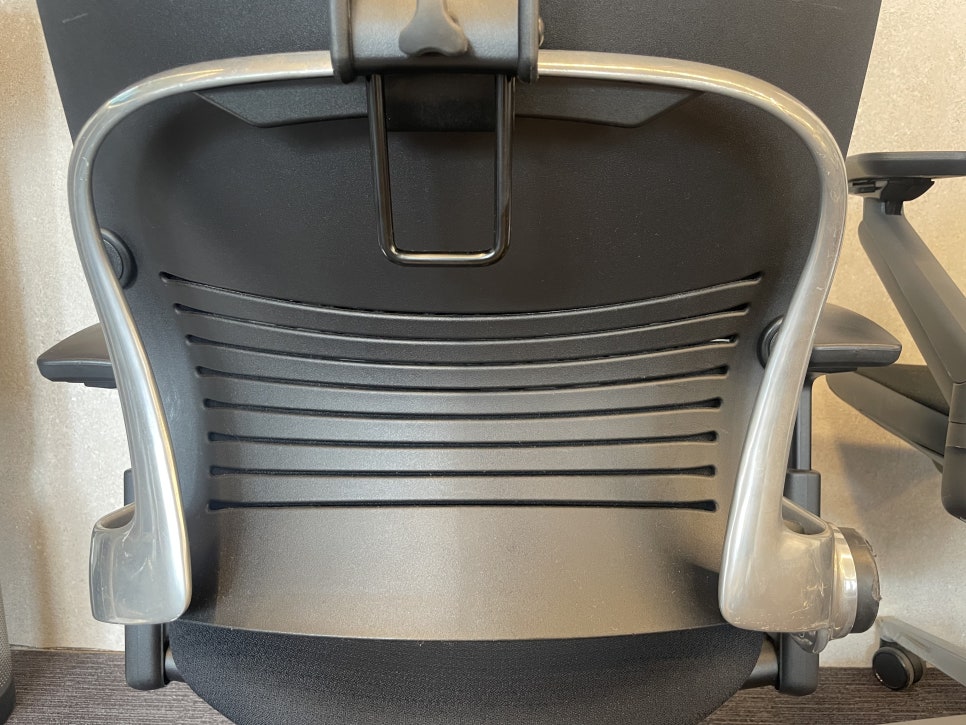
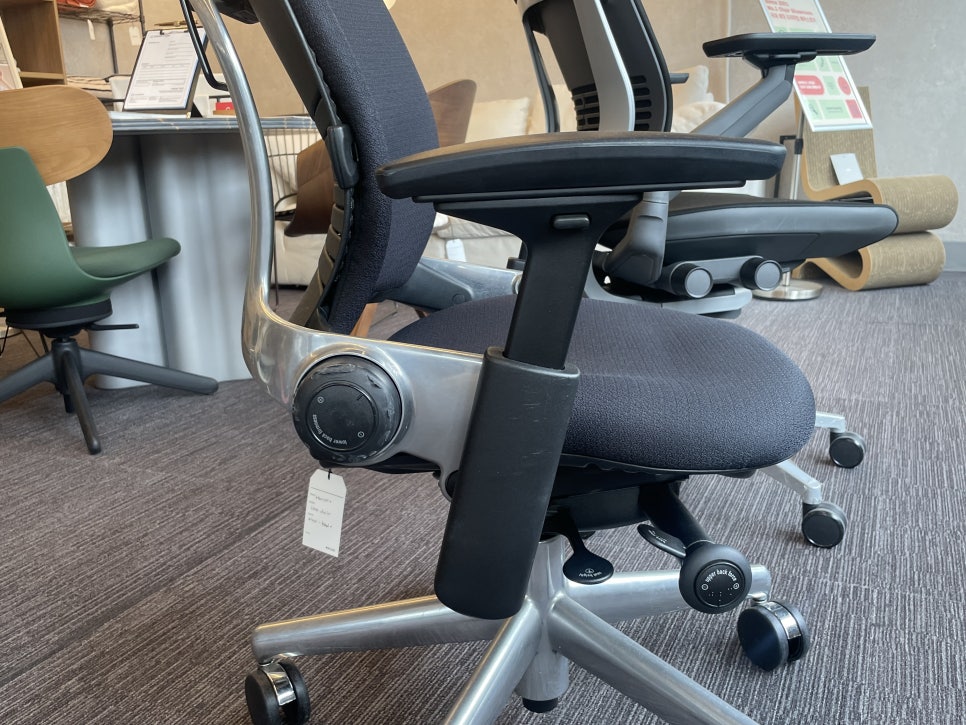
Compare Leap and Gesture offers
Compare the selected configurations, not just the listed prices. Check arm and lumbar options, condition, seller, delivery and return terms for each offer. Warranty coverage depends on the purchase and is not established by this comparison.
As an Amazon Associate, Chairpedia earns from qualifying purchases.
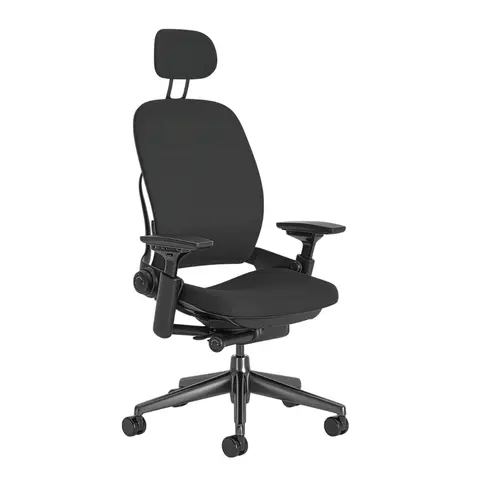
Steelcase Leap V2
Before choosing this chair
Compare the version, condition and included adjustments.
- Confirm V2 rather than relying on the word Leap.
- For a used or refurbished chair, ask which parts were replaced.
Check the current offer
Affiliate link — we may earn a commission
Check the selected model, seller, delivery and return terms on the destination.
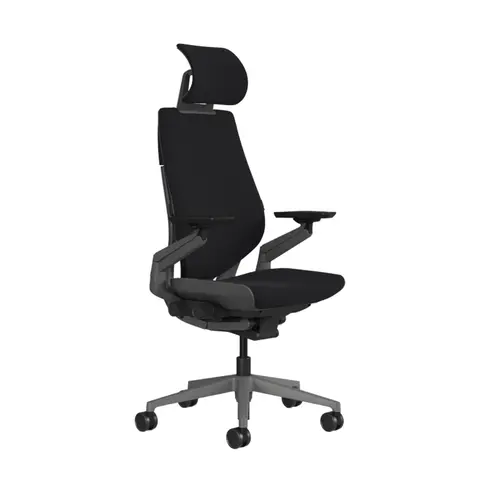
Steelcase Gesture
Before choosing this chair
Check the arm setup and desk clearance before choosing.
- Confirm the headrest and arm configuration shown in the offer.
- Compare seat and arm adjustment ranges with your desk.
Check the current offer
Affiliate link — we may earn a commission
Check the selected model, seller, delivery and return terms on the destination.