How to Use the Herman Miller Aeron: A Complete Control Guide
Master every adjustment on the iconic ergonomic chair with this step-by-step guide
By Leo·Jul 10, 2026·3 min read
Adapted and expanded from an original article; reviewed and updated by the Chairpedia editorial team on September 12, 2026.
The Herman Miller Aeron is one of the most celebrated ergonomic chairs ever made—but it's also one of the most misunderstood. With multiple levers, knobs, and adjustments scattered around the chair, many first-time users find themselves overwhelmed by the sheer number of controls.
If you've ever sat in an Aeron and wondered what all those levers actually do, you're not alone. This guide will walk you through every adjustment on the Aeron (specifically the newer Aeron Remastered model) so you can dial in the perfect ergonomic setup for your body.
1. Adjusting Seat Height
The seat height lever is located on the right side of the chair, shaped like a paddle.
To raise the seat: Stand up and pull the lever upward while the seat is unweighted.
To lower the seat: Sit down and pull the lever upward; the seat will descend under your weight.
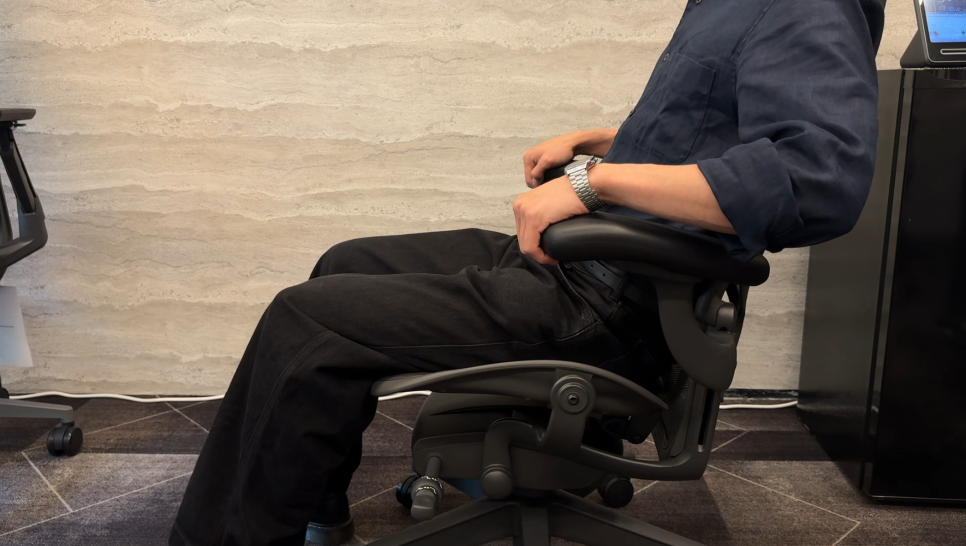
Your goal is to adjust the seat so your feet rest flat on the floor and your thighs are roughly parallel to the ground, with your knees at about a 90-degree angle.
2. Adjusting Tilt Tension
Use the right-side tension control: turn toward + for more recline resistance and toward - for less. Follow the markings on your chair.
3. Adjusting Arm Height
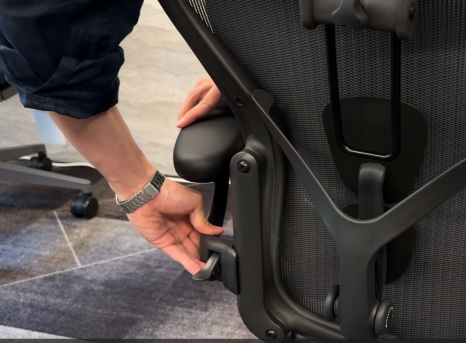
On height-adjustable arms, unlock the lever at the arm-support base, support the arm as you reposition it, then lock the lever again. Do not force a locked or fixed arm.
4. Adjusting Armrest Angle and Depth
Arm adjustments depend on the installed option. Fully adjustable arms offer pad pivot and depth adjustment; do not assume every Aeron has these features.
5. Adjusting PostureFit SL (Lumbar Support)
If fitted, use the PostureFit SL pressure control to adjust support. This is different from vertically repositioning an adjustable lumbar strap. Match the instructions to your back-support option.
6. Tilt Recline and Tilt Lock
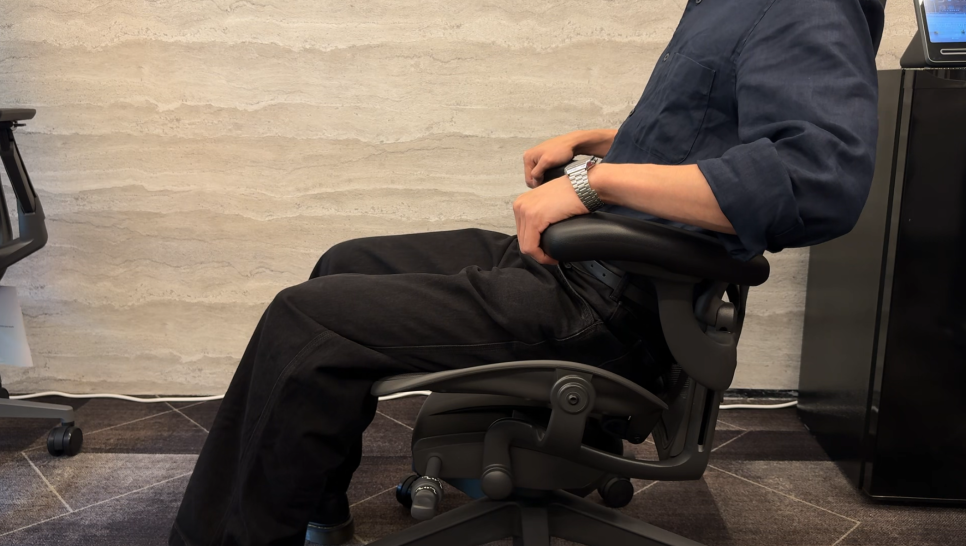
The tilt limiter restricts the available recline range; it is not a promise that the chair becomes completely immobile. Use the left-side control as shown in the manufacturer guide, and release it to restore the full range.
7. Forward Tilt (Advanced Feature)
If equipped, unload the mechanism by leaning back before changing the forward-tilt setting. Follow the illustrated manufacturer instructions instead of forcing the control.
Final Thoughts
The Herman Miller Aeron may seem complicated at first, but once you understand where each control is and what it does, you'll appreciate the depth of customization it offers. Take 10–15 minutes to experiment with each adjustment, and don't be afraid to tweak settings throughout the day as your posture and tasks change.
If you're considering an Aeron or want to compare it with other flagship ergonomic chairs, check out our reviews of the Steelcase Leap V2, Steelcase Gesture, and Herman Miller Embody.
Configuration reference: Manufacturer product information and adjustment guidance. Options vary; match the documentation to the chair you own or intend to buy.
Note that which of these controls your chair actually has depends on its configuration and generation — the Classic vs Remastered guide shows how the tilt, arms and lumbar options differ between the two.
Considering a replacement Aeron?
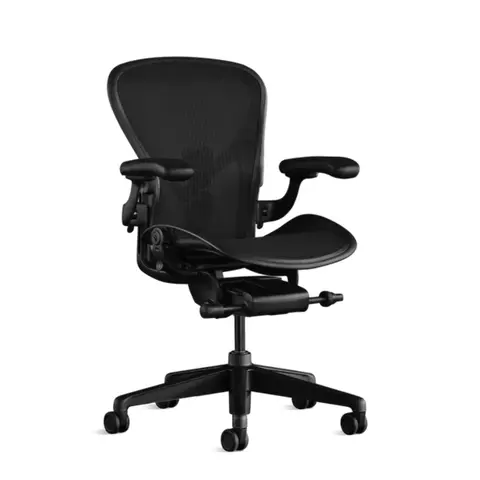
If you are comparing a replacement, check its size and installed adjustments against your current chair. Search results may include other models and accessories.
As an Amazon Associate, Chairpedia earns from qualifying purchases.
Herman Miller Aeron
Before choosing this chair
Choose the size and generation before comparing offers.
- Match size A, B or C to the exact chair in the listing.
- Confirm Classic or Remastered, fitted controls and condition.
Check the current offer
Affiliate link — we may earn a commission
Check the selected model, seller, delivery and return terms on the destination.