Herman Miller Aeron Size Guide: A, B or C Before You Buy
Choose Aeron A, B or C using the official fit chart, seat-edge checks and exact generation. Includes a practical desk-fit and seller-photo checklist.
By Leo·Jul 10, 2026·3 min read
Start with the exact Aeron generation and the manufacturer's size chart, then compare how the seat and arms meet your body and desk. A height-and-weight recommendation is a shortlist, not a guarantee that one size will feel right.
See the frame before checking fit
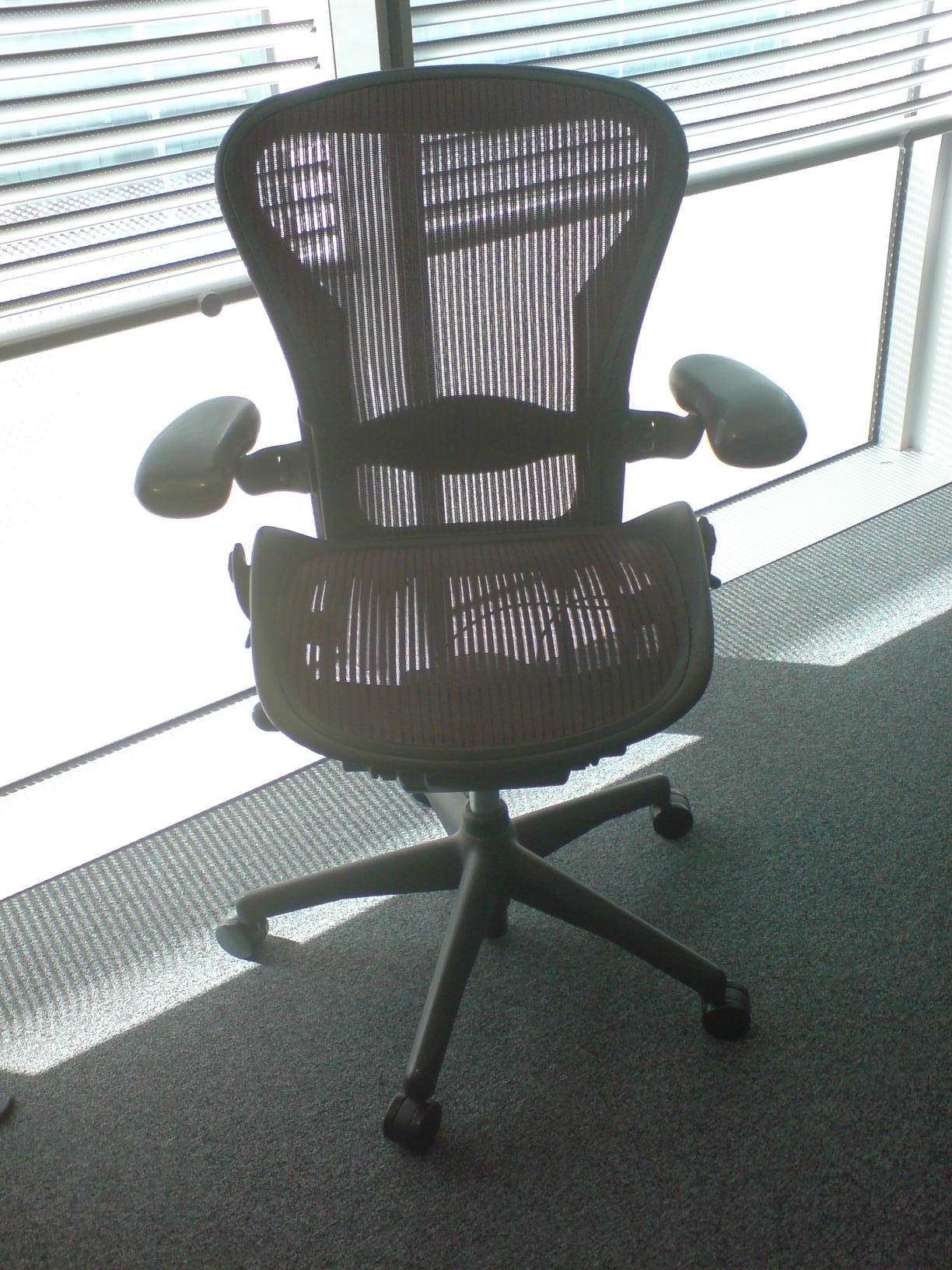
The photograph shows the mesh surrounded by a rigid seat frame. When trying an Aeron, check how the front and side edges meet your legs in your working position. This historical example does not establish an A, B or C size from appearance alone.
Three checks before choosing A, B or C
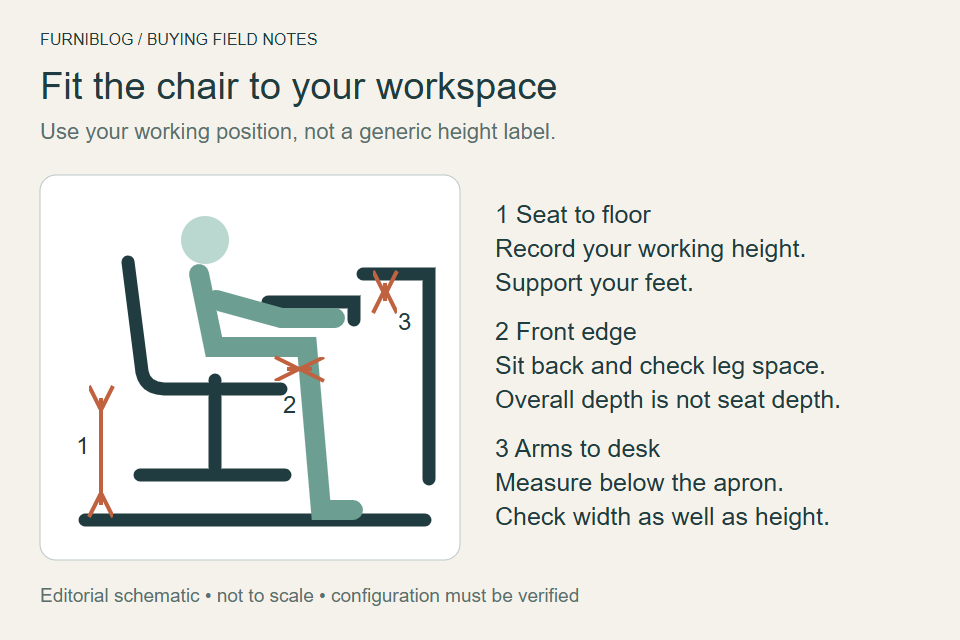
If columns extend beyond the screen, scroll sideways to see more.
| Check | What to compare | What to do next |
|---|---|---|
| Seat height | Your usual working position with feet supported. | Confirm the offered chair can reach that position. |
| Seat edge | Space between your legs and the front and side frame. | Try the adjacent size if the frame presses or the seat feels too deep. |
| Desk clearance | Arm height and width at your actual keyboard position. | Measure beneath the desk apron, not just to the desktop. |
Use the correct size chart
Herman Miller offers A, B and C sizes and publishes overlapping fit recommendations. Use its size/fit reference; do not transfer a weight rating or a dimension from another generation, region or configuration. If two sizes are suggested, compare both at the same desk setup before deciding.
Do not treat a small gap behind the knees as a precise measurement rule. The practical question is whether you can sit back with supported feet and without the seat edge pressing into your legs. Raising the chair for the desk may change that result.
Check the fitted adjustments
The Aeron adjustment guide separates adjustable lumbar support from PostureFit SL. Match its instructions to the installed support. Arm and tilt options also vary; a used listing title does not confirm that every adjustment is present.
A seller checklist you can copy
- Which size and generation is this exact chair? Please include the label and size marking.
- Which arms, back support and tilt options are installed?
- Can I try the chair or return it after a fit check? What packaging and return costs apply?
- Have the cylinder, mesh, arms or back-support parts been replaced?
If the seller cannot confirm the configuration, keep it out of your price comparison until they can. See the Classic vs Remastered checklist and desk-fit worksheet before selecting an offer.
Sources and method
Manufacturer documentation checked September 13, 2026. This is an editorial buying guide, not a controlled comparison or a medical recommendation. The diagrams organize purchase checks; they do not show measured performance.
Existing article photographs and illustrations
Retained from the earlier edition. These images are contextual illustrations; the current checks and source documents above govern configuration details.
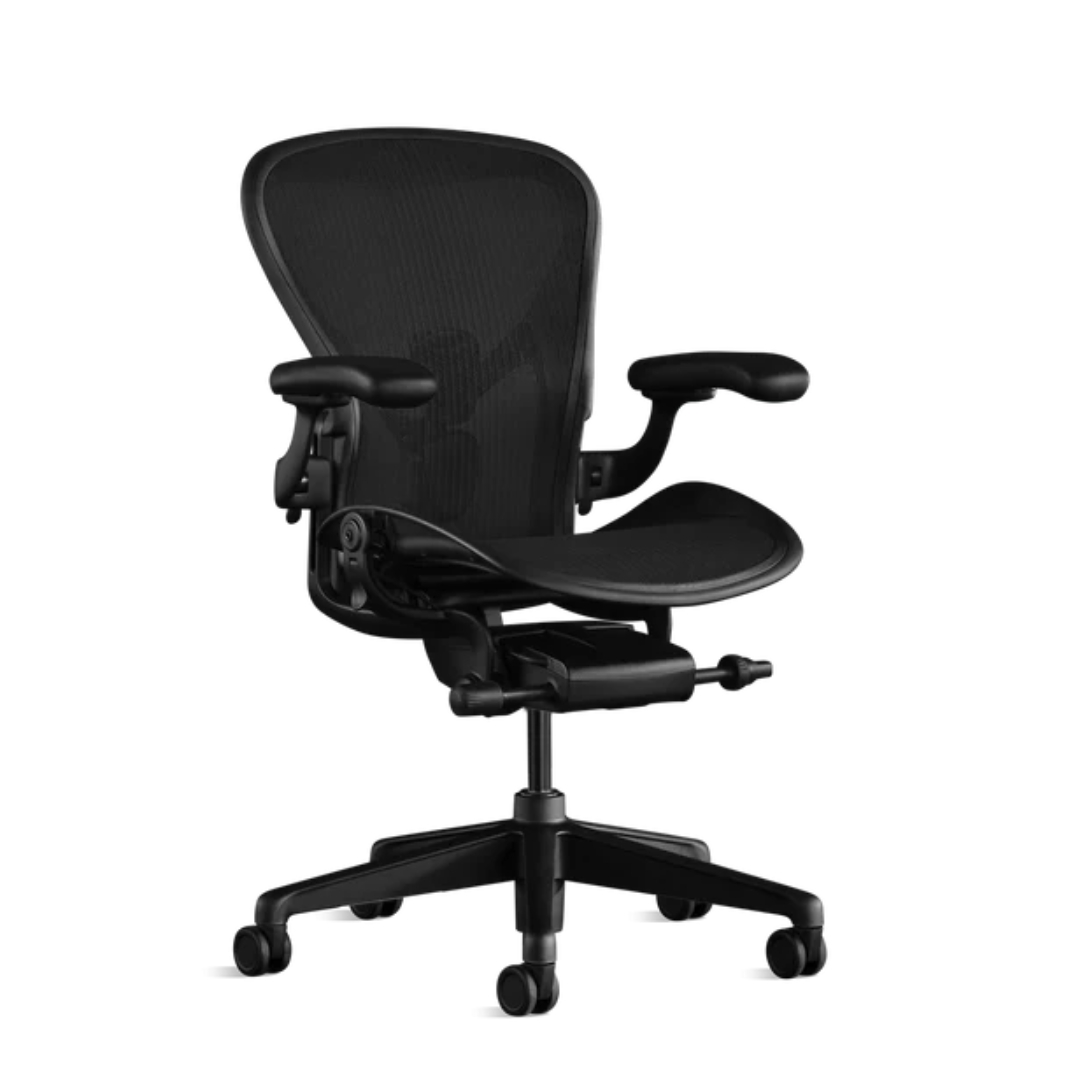
Compare Aeron buying options
Check the listed size, Classic or Remastered version, condition and return terms before choosing an offer. Search results may include other models and accessories.
As an Amazon Associate, Chairpedia earns from qualifying purchases.
Herman Miller Aeron
Before choosing this chair
Choose the size and generation before comparing offers.
- Match size A, B or C to the exact chair in the listing.
- Confirm Classic or Remastered, fitted controls and condition.
Check the current offer
Affiliate link — we may earn a commission
Check the selected model, seller, delivery and return terms on the destination.