Steelcase Leap V2とHerman Miller x Logitech G Embody Gaming Chairの比較:どちらを買うべきか?
快適さの評価が分かれるプレミアムなエルゴノミクスチェア—選び方を解説
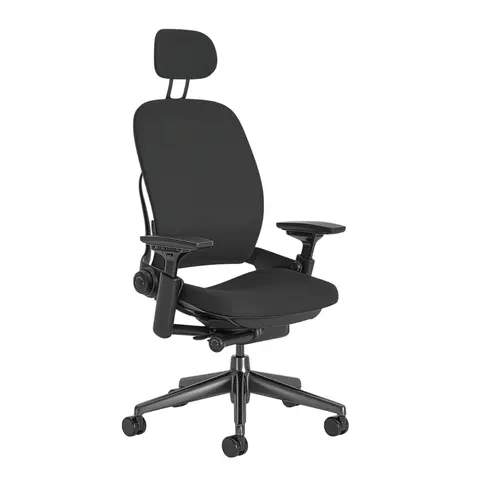
Steelcase
Steelcase Leap V2
$1,499 – $2,667
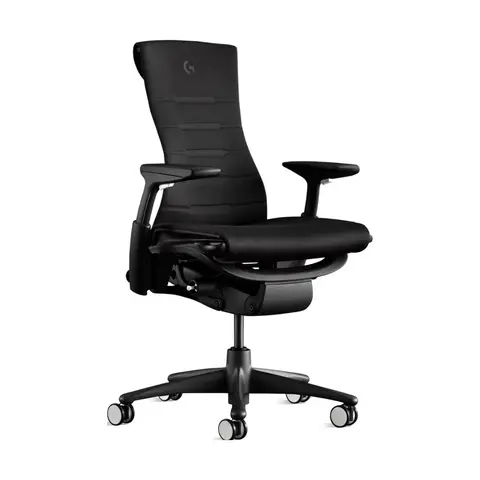
$896
ブランドストアでの開始価格はSteelcase Leap V2のほうがHerman Miller x Logitech G Embody Gaming Chairより安い
違いをひと目で
出典
- Understanding and Specifying Leap 462 Series Work Chairs – Seating Specification Guide, February 2024 (PDF) ↗Sep 26, 2026確認
- Embody Gaming Chair – Herman Miller Store (US) ↗Sep 26, 2026確認
- Leap Ergonomic Office Chair (steelcase.com) ↗Sep 26, 2026確認
- Herman Miller x Logitech G Embody Gaming Chair Adjustment Guide (PDF) ↗Sep 26, 2026確認
- US Steelcase Store (price) ↗Sep 25, 2026確認
- 価格
- $1,499 – $2,667$2,395
- 座面高
- 15.5–20.5 in standard; 17–24 in with optional 7 in cylinder16–20.5 in (40.6–52.1 cm)
- 座面奥行き
- 15.75–18.75 in (functional, 3 in adjustment); seat depth 19 in15–18 in (38.1–45.7 cm)
- 耐荷重
- 400 lb (181.4 kg)300 lb (136.1 kg)
- リクライニング
- Variable back stop, five stops; seat-to-back angle 96°–120°Tilt Limiter / Tilt Tension
- アーム
- Arm height 4 in range, depth 3 in, width 4.5 in overall, pivot 30°Fully Adjustable Arms (only arm option in store); Arm height and width adjustable
- ランバーサポート
- LiveBack with height-adjustable lumbar (5 in) + lower back firmnessNo separate lumbar device: PostureFit spinal support + BackFit adjustment
- 保証
- Steelcase Limited Lifetime warranty – 12 years, multi-shift, 24/7 parts and labor12-year warranty (terms and conditions apply)
ユーザーが挙げている点
Steelcase Leap V2のレビュー要約417件とHerman Miller x Logitech G Embody Gaming Chairのレビュー要約81件から数え、言及の多い順に並べています。緑は好評、オレンジは注意点です。
座り心地
Steelcase Leap V2183件の言及Herman Miller x Logitech G Embody Gaming Chair44件の言及価格と価値
Steelcase Leap V2163件の言及Herman Miller x Logitech G Embody Gaming Chair42件の言及調整のしやすさ
Steelcase Leap V2155件の言及Herman Miller x Logitech G Embody Gaming Chair18件の言及つくりの良さ
Steelcase Leap V2136件の言及Herman Miller x Logitech G Embody Gaming Chair27件の言及座面
Steelcase Leap V2122件の言及Herman Miller x Logitech G Embody Gaming Chair16件の言及背中のサポート
Steelcase Leap V2102件の言及Herman Miller x Logitech G Embody Gaming Chair16件の言及
よくある質問
Steelcase Leap V2とHerman Miller x Logitech G Embody Gaming Chairでは、どちらが安いですか?
開始価格はSteelcase Leap V2のほうが安く、ブランドストアで$1,499、Herman Miller x Logitech G Embody Gaming Chairは$2,395です(2026年9月)。
耐荷重が高いのはどちらですか?
Steelcase Leap V2で、耐荷重は400 lb、Herman Miller x Logitech G Embody Gaming Chairは300 lbです。
オーナーが最も多く言及していることは何ですか?
レビューの要約によると、Steelcase Leap V2では快適さ、Herman Miller x Logitech G Embody Gaming Chairでも快適さです。
As an Amazon Associate I earn from qualifying purchases. Search links may include other models or accessories; confirm the exact item, seller and condition before buying.
Compare the version, condition and included adjustments.
Identify and inspect a used Leap比較記事をすべて読む
はじめに
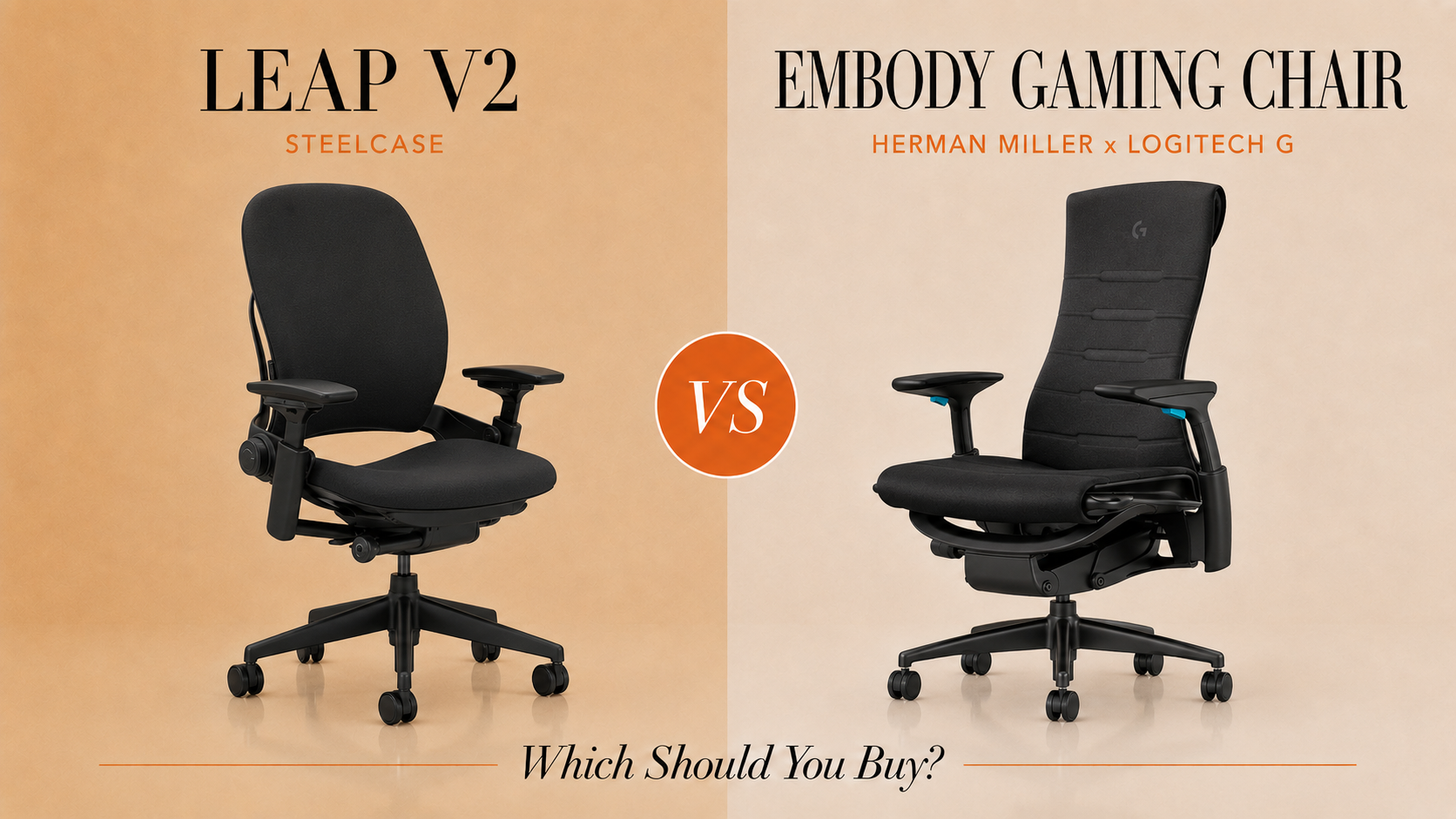
Steelcase Leap V2とHerman Miller x Logitech G Embody Gaming Chairは、終日使うチェアに対する二つのプレミアムなアプローチですが、ユーザー体験は大きく異なります。定価$1,499–$2,667のLeap V2はLiveBackテクノロジーとNatural Glideリクライニングを備えていますが、レビューからは深刻な快適性の問題が明らかになっています。Embody Gaming Chairは定価$2,395で、Herman Millerのエルゴノミクスの系譜に、Logitechのゲーミング向け冷却ウレタンフォームとロッキング(チルト)リミッターを加えたものです。どちらも12年保証と調整可能なアームレスト(Leapは4D、Embody Gamingは高さ・幅・奥行き)を備えていますが、実際のフィードバックでは座面の快適さと長期的な満足度に大きな差が見られます。
早わかり
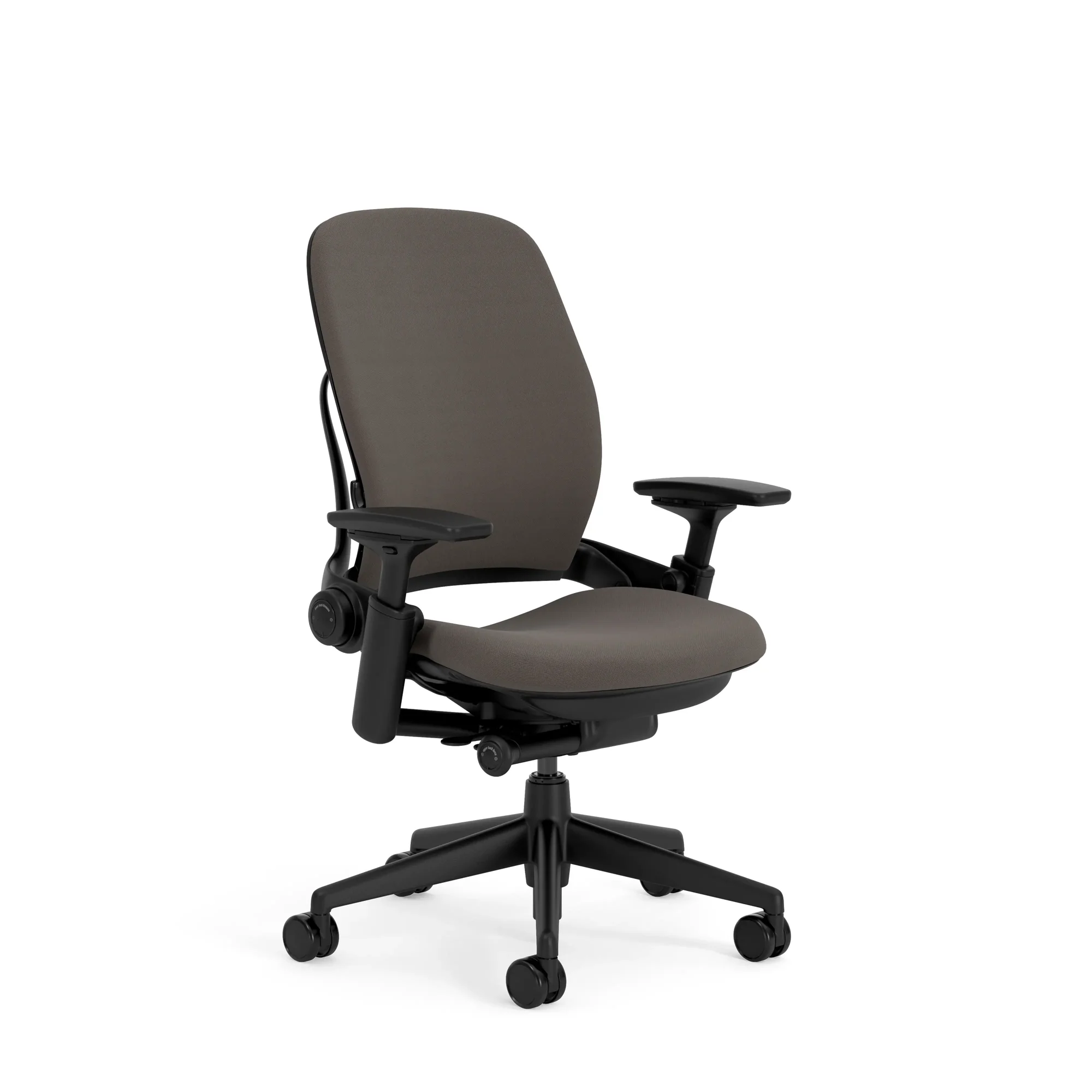
Steelcase Leap V2 — 長所と短所
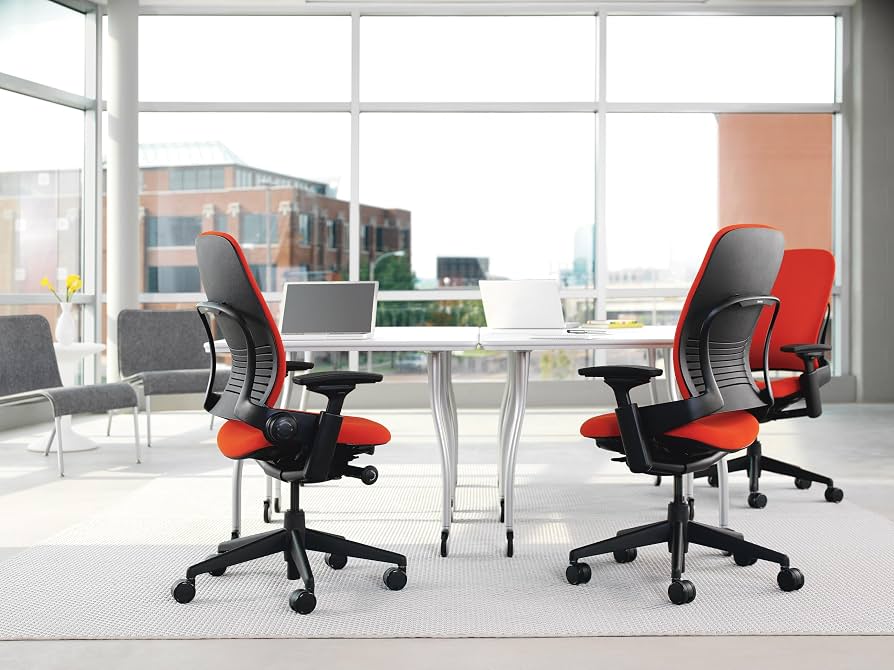
長所:Leap V2は店頭での試座でテスターに好印象を与え、個人に合わせたフィットのための豊富な調整機能を備えています。ユーザーは当初、安価なチェアからのアップグレードとして満足していました。豊富な調整機能は、機能面での強みとしてよく言及されています。
短所:圧倒的に多い不満は座面の不快感です。複数のレビュアーが、座面はわずか30分から一時間で耐えられなくなり、クッションはほとんどなく、時間とともに悪化すると報告しています。あるユーザーは丸一年の使用で不快感が増したと述べ、別のユーザーは他の椅子では快適なのに、わずか10分で痛みを感じたといいます。調整やクッションの追加でも解決せず、むしろエルゴノミクスがさらに損なわれたと報告されています。価格を考えると、レビュアーはコストパフォーマンスが悪いと感じており、長期間使った後に購入をはっきり嫌悪すると述べる人もいました。
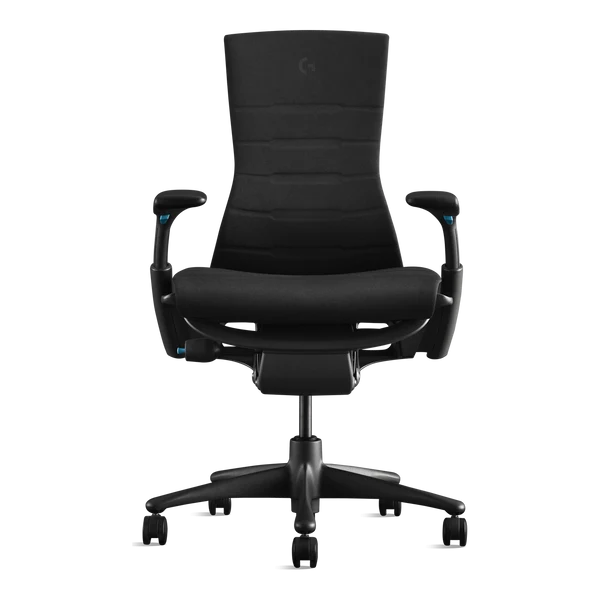
Herman Miller x Logitech G Embody Gaming Chair — 長所と短所
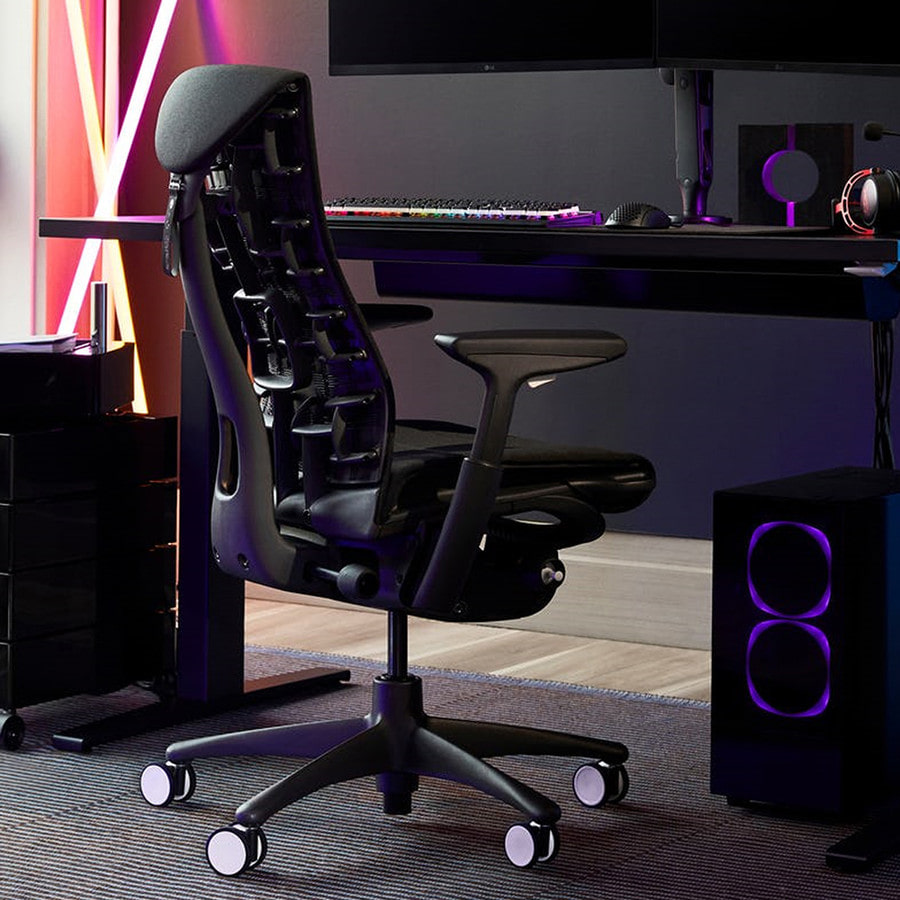
長所:ユーザーは優れた快適さと背中のサポートを高く評価しており、あるレビュアーは三年間で100を超えるモデルを試した末に最高のチェアだと述べています。作りの品質は一貫して支持されており、SecretLabなど他のゲーミングチェアから大きくアップグレードしたと評するレビュアーもいます。このコラボレーションは、Herman Millerの百年以上にわたるシーティング研究とLogitech Gのゲーミング技術を組み合わせたもので、銅を配合した冷却ウレタンフォームも含まれます。一部のユーザーは、慣らし期間を経て使うほど快適になると報告しています。
短所:Herman Millerの米国ストアでの定価$2,395は大きなハードルです。ゲーミング版特有の尾骨の痛みを報告するユーザーもおり、座面のクッションは薄く硬すぎると感じられる場合があります。あるレビュアーは五か月後にわずかな弾むような感覚を経験しました。少なくとも一人のユーザーは、一か月後に硬い背もたれとランバー部分によって痛みが生じたといいます。あるレビューではヘッドレストを別途購入したと述べられていますが、私たちが参照した公式情報源にはこのチェアのヘッドレストは記載されていないため、有無と価格は販売者に確認してください。ゲーミング版のカラー展開が少ない点も批判されています。
違い
座面の快適さ:これが決定的な分かれ目です。Leap V2は調整しても解消しない座面の不快感について広く不満が寄せられている一方、Embodyは快適さと背中のサポートで評価されています。ただし、その座面も硬めだと表現されています。
価格と価値の受け止め方:Embody Gamingのほうが開始定価が高くなっています(Herman Millerの米国ストアで$2,395、Steelcase StoreでのLeapは$1,499、2026年9月)。Leap V2の購入者は支払った価格に見合わないと感じた一方、Embodyの購入者は価格の高さを認めつつも、品質が価格に見合うと概ね感じていました。
本体サイズ:Embody Gamingのほうが重く(51.75 lb、Leapは46.7 lb)、座面奥行きは15から18 inまで調整でき、Leapは15.75–18.75 inです。私たちが参照した公式情報源にはEmbody Gamingの座面幅、背もたれの高さ、リクライニング角度が記載されていないため、ここではそれらを数値で比較していません。
設計の重点:Leap V2は、画面に合わせた作業のためのLiveBackテクノロジーとNatural Glideリクライニングを備えた純粋なタスクチェアです。Embody Gaming Chairは、Herman Millerのオフィス向けエルゴノミクスに、長時間のセッション向けの冷却ウレタンフォームやロッキング(チルト)リミッターといったゲーミング特化の強化を加えています。
慣らし期間:少なくとも一件のEmbodyのレビューでは、チェアは時間とともに良くなると述べられています。Leap V2のユーザーは逆で、特に最初の一年間で快適さが徐々に低下したと報告しています。
どちらを買うべきか
Steelcase Leap V2を選ぶべき人:事前に店頭でじっくり試せる方、または(満足した一部の購入者のように)大幅な割引で中古品を購入できる方。調整機能の豊富さは特定の体型には合うかもしれませんが、レビューの傾向を踏まえると、座面の強い不快感のリスクが高すぎるため、試さずに定価でオンライン購入することはおすすめできません。
Herman Miller x Logitech G Embody Gaming Chairを選ぶべき人:長時間のデスクワークやゲームで背中のサポートと全体的な快適さを重視し、$2,395の出費が可能で、高い背もたれを好む方。座面のクッションが硬めであることと、慣らし期間がある可能性に備えてください。
他の選択肢を検討すべき人:ふかふかの座面クッションが必要な方(どちらのチェアも硬め寄り)、Leapの開始定価$1,499を下回る厳しい予算の方、または400 lbを超える耐荷重が必要な方(Leapの耐荷重。Embody Gamingは300 lb)。
結論
Embody Gamingの定価は$2,395から、Leap V2は$1,499からです(2026年9月)。私たちが読んだレビューでは、Leap V2のオーナーが一年使用し念入りに調整を試みた後でも、座面の強く持続的な不快感を報告しているため、定価で購入する前に座面を試してください。Leap V2は印象的な研究の系譜と調整機能を誇りますが、実際のフィードバックでは、少なくない割合のユーザーが後悔を経験しています。
Embody Gamingのオーナーは背中のサポートと作りの品質を高く評価しており、100脚を超えるチェアを試したあるレビュアーはこれを一位に挙げています。座面は硬めで、私たちが読んだレビューでは後悔に関する不満は少なめです。$2,395が予算を超える場合は、中古のLeap V2を探し、決める前に十分に試してください。そうでなければ、Embodyのためにもう少し長く貯金するか、まったく別の選択肢を検討してください。
よくある質問
- Herman Miller EmbodyはSteelcase Leap V2より快適ですか?
- 私たちが読んだレビューに基づくと、Embody Gamingのほうが座面の不快感に関する不満は少なめです。複数のLeap V2ユーザーが30分後に座面の強い痛みを報告している一方、Embodyユーザーはクッションが硬めだと述べつつも背中のサポートを高く評価しています。
- 評判が高いにもかかわらず、一部のレビュアーがSteelcase Leap V2を好まないのはなぜですか?
- 批判は、クッションが薄く座り心地の悪い座面について繰り返される不満に起因しています。念入りに調整した後でも、30分から一時間で痛みが出るというものです。支払った価格を考えると残念だと述べたユーザーも複数います。
- Herman Miller Embody Gaming Chairにはヘッドレストが付いていますか?
- 私たちが参照した公式仕様の情報源には、Embody Gaming Chairのヘッドレストは記載されていません。また、あるレビューではヘッドレストを別途購入したと述べられています。注文前に、ヘッドレストの有無と価格を販売者に確認してください。
アフィリエイトリンク:対象となる購入から手数料を得ることがあります。配送・返品・保証の最新条件はAmazonでご確認ください。
似ているチェアに入れ替える
Steelcase Leap V2と比べるチェア
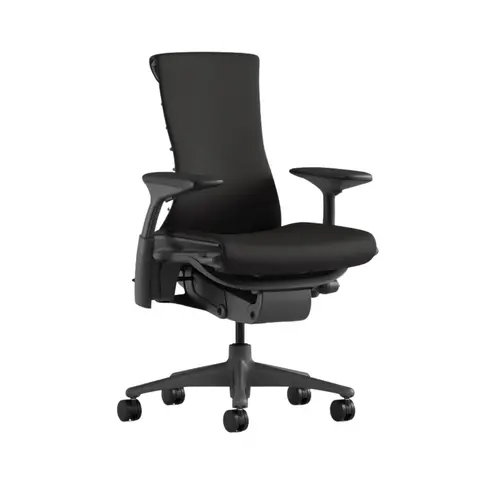
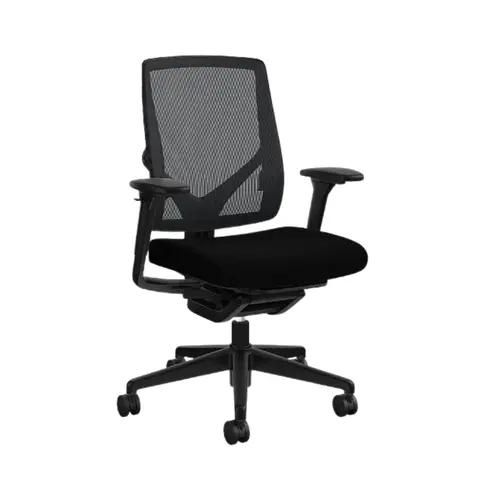
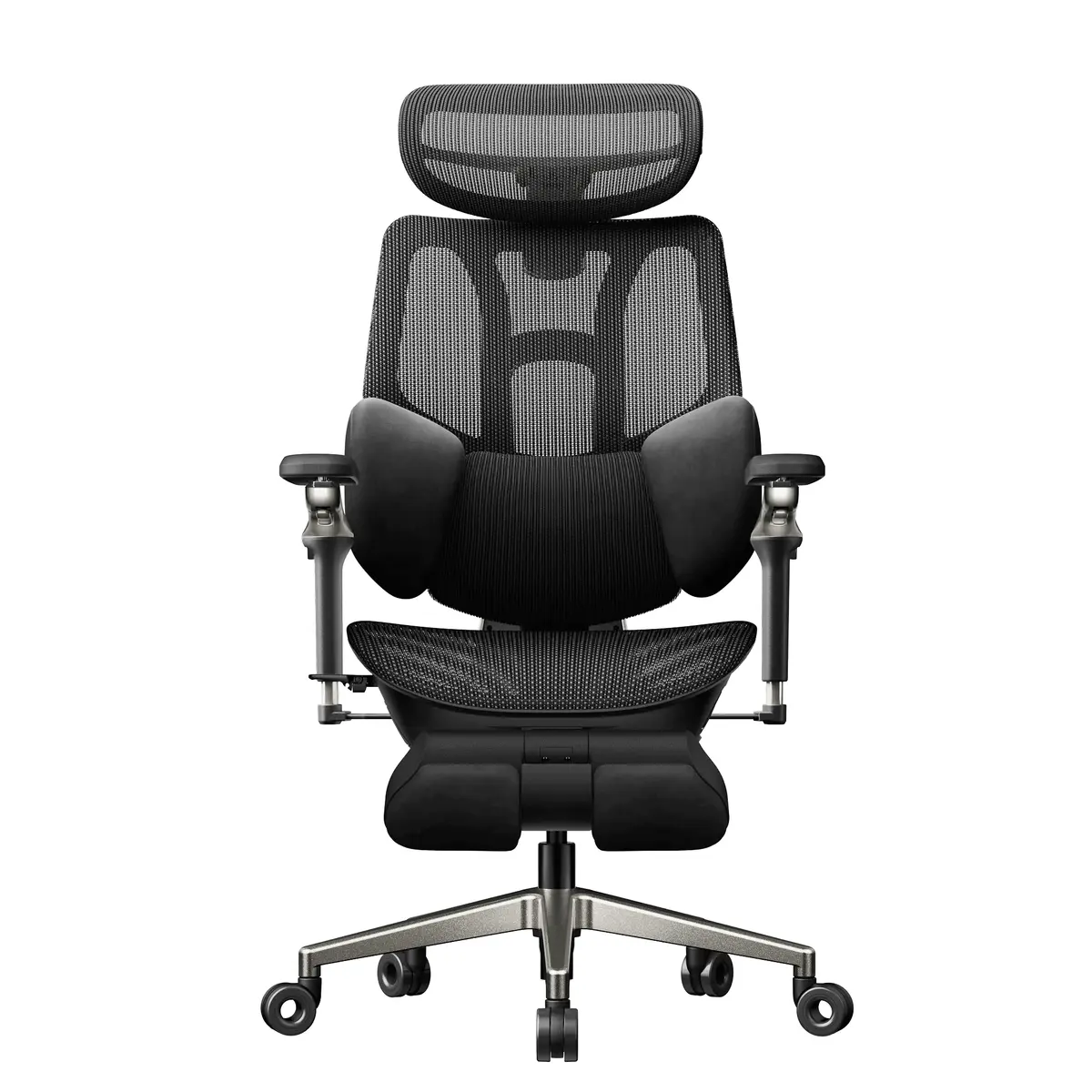
Herman Miller x Logitech G Embody Gaming Chairと比べるチェア
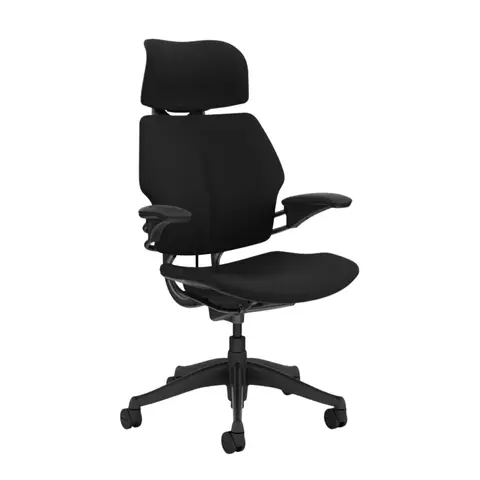
ほかの比較
- Steelcase Leap V2 vs Herman Miller Sayl Load capacity: 400 lb on Steelcase Leap V2; 350 lb on Herman Miller Sayl.
- Steelcase Leap V2 vs Humanscale World One Load capacity: 400 lb on Steelcase Leap V2; 100–400 lb on Humanscale World One.
- Steelcase Leap V2 vs SIHOO Doro C300 Headrest: Optional on Steelcase Leap V2; 3D Mechanical Headrest on SIHOO Doro C300.
- Steelcase Leap V2 vs SIHOO Doro C300 Pro V2 Load capacity: 400 lb on Steelcase Leap V2; 330 lb on SIHOO Doro C300 Pro V2.
- Herman Miller x Logitech G Embody Gaming Chair vs Steelcase Gesture Arms: Fully Adjustable Arms on Herman Miller x Logitech G Embody Gaming Chair; Width 10.25–22.5 in between arms on Steelcase Gesture.
- Herman Miller x Logitech G Embody Gaming Chair vs Herman Miller Aeron Arms: Fully Adjustable Arms on Herman Miller x Logitech G Embody Gaming Chair; Arm height 7.5–11.5 in on Herman Miller Aeron.